
Introduction
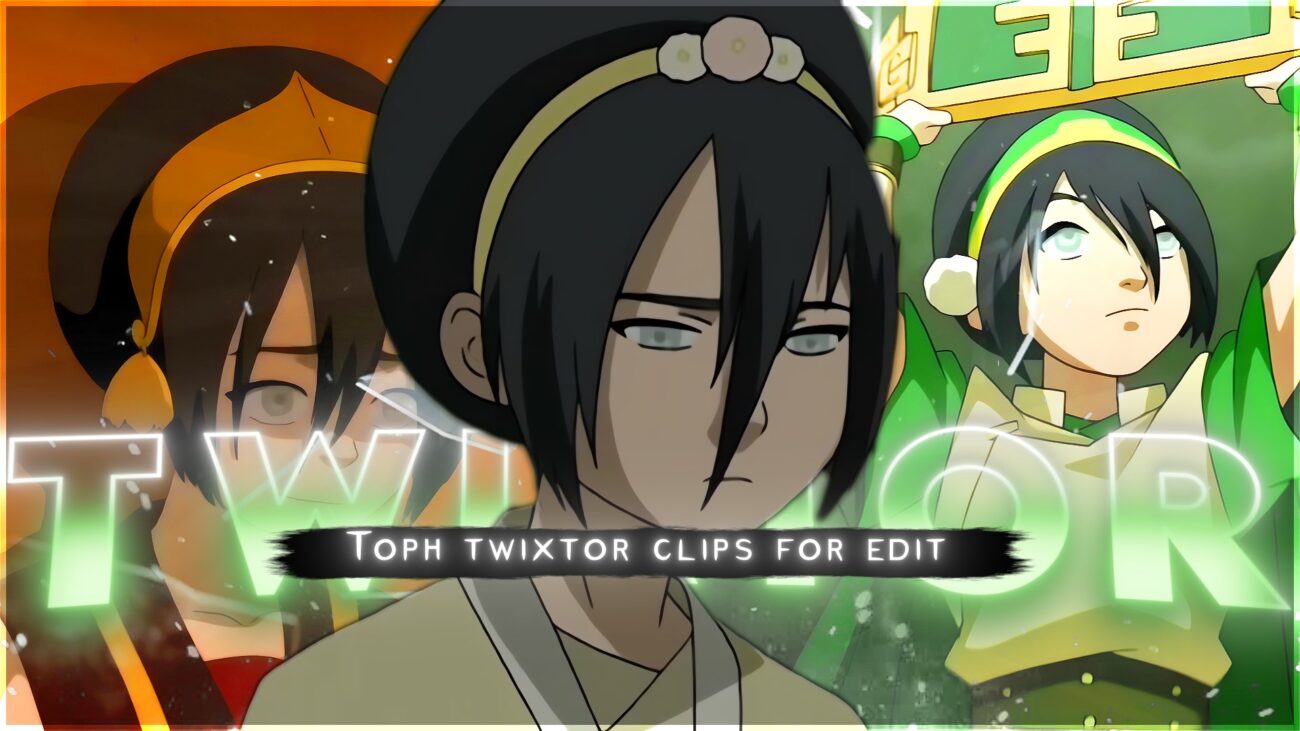
This page features a high-quality 4K Twixtor-ready clip of Toph Beifong from Avatar: The Last Airbender. The purpose of this post is to provide editors with a clean source clip along with useful editing notes such as Twixtor settings, motion behavior, and workflow tips to achieve smooth slow-motion results
Why This Scene Works Well for Editing
This clip is useful for editors because it has:
- Clear subject movement (easy frame interpolation)
- Strong impact moments during earthbending attacks
- Minimal motion blur compared to other action scenes
- Clean lighting, which helps maintain detail in slow motion
These factors make it easier to apply Twixtor without heavy distortion or warping.
Recommended Twixtor Settings (Based on Testing)
These settings are a good starting point for smooth results:
- Speed: 30%–40%
- Input FPS: 23.976
- Frame Interpolation: Best quality mode
- Motion Sensitivity: Medium (adjust if warping appears)
- Pre-processing: Slight sharpening recommended
Tip: If the scene starts warping, increase speed slightly instead of forcing extreme slow motion.
How to Use This Clip in Editing Software
After Effects Workflow:
- Import the clip into your composition
- Apply Twixtor effect
- Gradually reduce speed (avoid sudden changes)
- Add motion blur for smoother transitions
- Use adjustment layers for color grading
Mobile Editing (Alight Motion):
- Import clip at high frame rate
- Apply velocity / slow-motion effect
- Add directional blur for smoother movement
- Sync with music beats for better impact
Practical Editing Tips (Important Section)
These are real techniques used in smooth edits:
- Sync major impact frames with music beats
- Avoid slowing down fast-motion sequences too much
- Use zoom-in effects only during impact moments
- Combine Twixtor with light color grading (don’t over-edit)
- Keep motion direction consistent for better flow
About This Clip
This scene highlights Toph’s earthbending ability during combat sequences. It includes fast impact movements and grounded animation, which makes it popular among editors creating cinematic or AMV-style content.
🔹 Clean Anime Clips (No Subtitles) – Flowframes
🔹 Exclusive 4K Raw Scenes Settings – Raw Clips
Toph
Download Toph Twixtor Clip (4K)
File Details:
- Resolution: 4K / 1080p
- Format: MP4
- Duration: 02:47
- Size: 202.3 MB
All download links are verified and safe. No third-party pop-ups or misleading redirects
drive
All download links are verified and safe. No third-party pop-ups or misleading redirects
mega
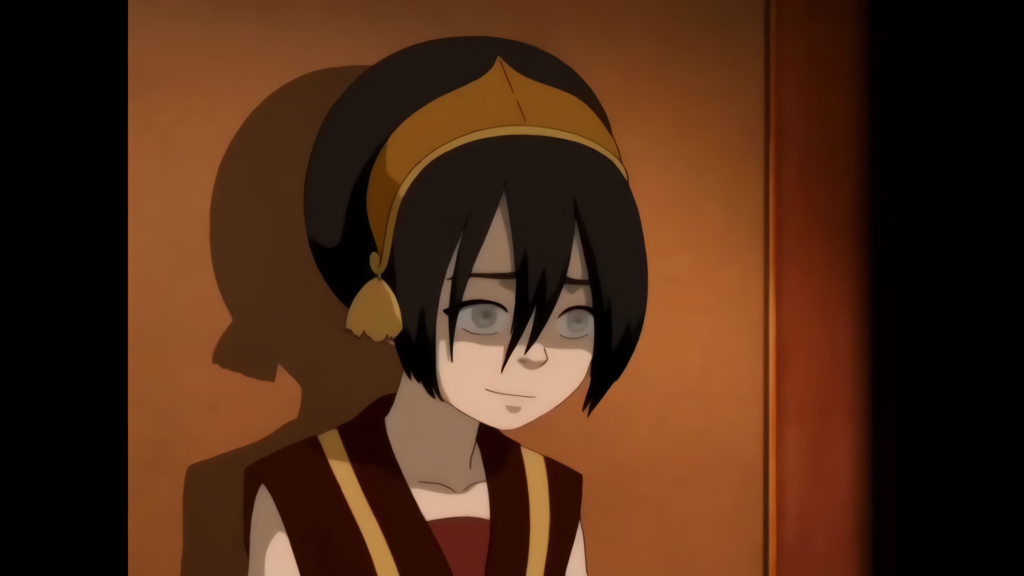
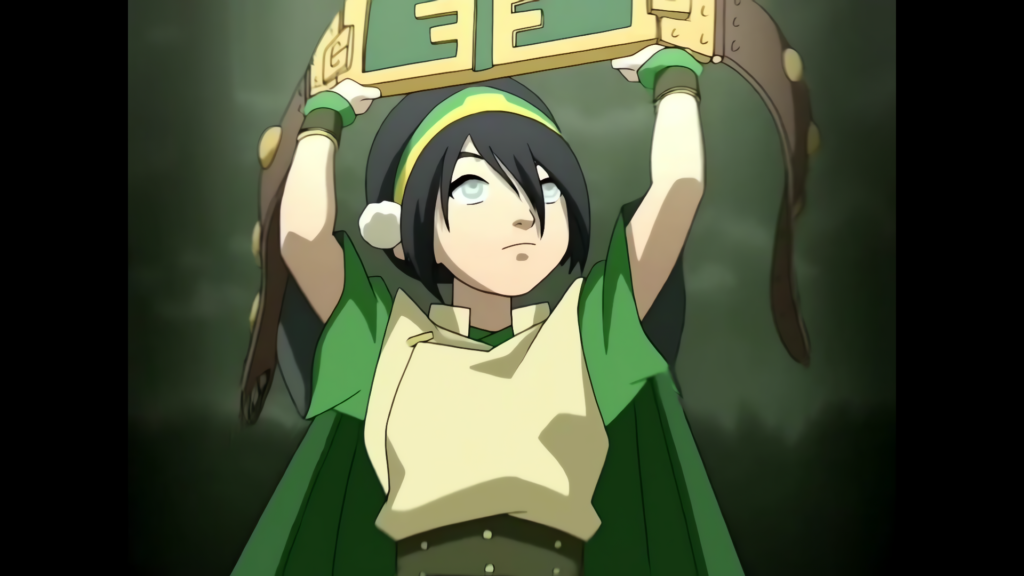
- “Toph Beifong introduction scene Blind Bandit”
- “Toph vs Boulder earth rumble fight Avatar”
- “Toph metalbending first scene high complexity”
- “Toph teaching Aang earthbending training”
- “Toph savage moments Avatar clips”
Final Thoughts
If you’re serious about creating high-quality anime or cinematic edits, choosing the right clip is just as important as your editing skills. This Toph Twixtor clip is ideal for smooth slow-motion edits, especially when combined with proper settings and timing.