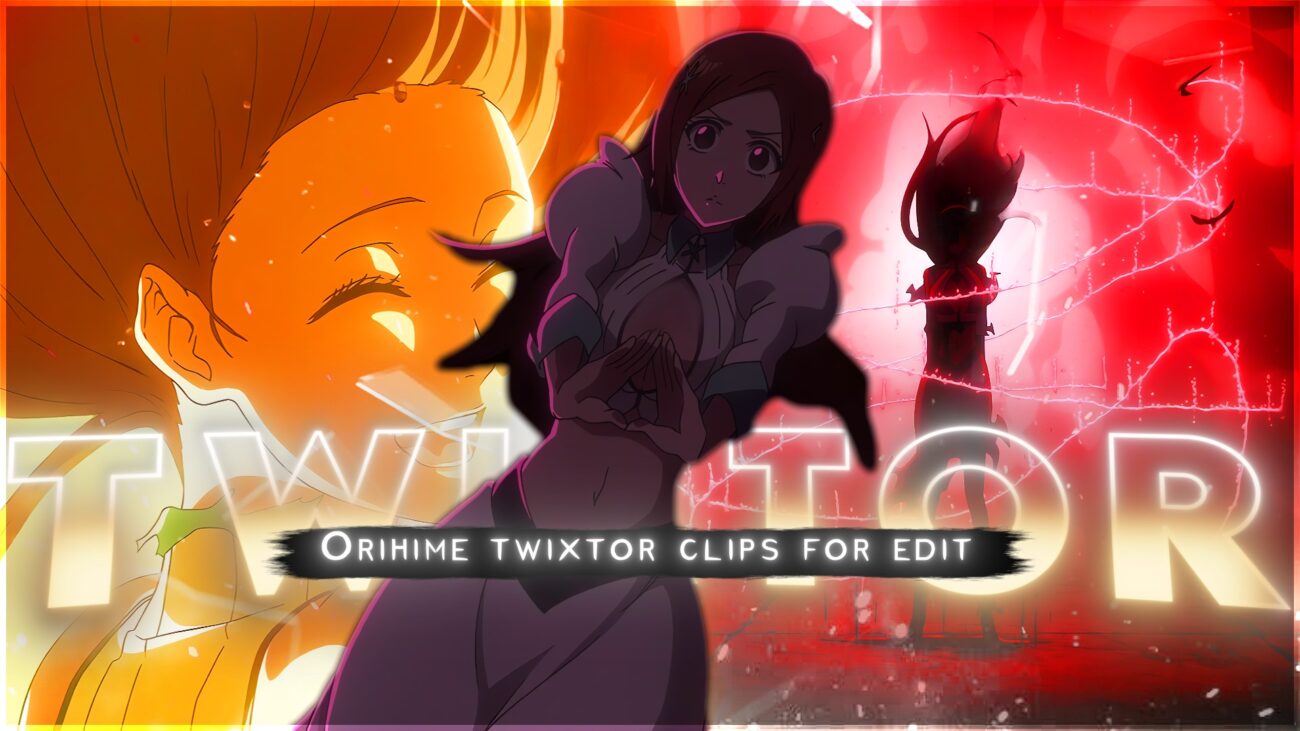
Looking for Orihime Inoue Twixtor 4K clips for your next anime edit? This page provides high-quality ultra HD clips of Orihime from Bleach: Thousand-Year Blood War, perfect for smooth slow-motion edits, AMVs, and cinematic reels with high visual complexity and clean motion frames.
Orihime Inoue is one of the most unique characters in Bleach, known for her emotional depth, healing abilities, and strong inner strength. Her scenes carry a mix of soft aesthetics and intense emotional complexity, making her clips ideal for editors who want both beauty and storytelling impact in their edits.
Why Orihime Inoue Twixtor 4K Clips Are Perfect for Editing
Orihime Inoue 4K clips are widely used by editors because of their clean animation, soft color tones, and smooth motion flow. These clips offer high visual clarity and controlled complexity, allowing editors to create professional-level slow-motion edits without distortion.
- Ultra HD 4K resolution for sharp quality
- Smooth slow-motion compatibility (Twixtor-ready frames)
- Clean backgrounds for VFX and overlays
- Emotional expressions with cinematic depth
- Balanced motion complexity for mobile and PC editors
Best Orihime Inoue Twixtor 4K Moments
Orihime scenes are especially popular for aesthetic and emotional edits. Her expressions, healing sequences, and subtle movements create visually appealing edits that perform well on TikTok, Reels, and YouTube Shorts.
Popular scenes include:
- Orihime healing scenes with glowing effects
- Emotional close-up moments
- Soft lighting aesthetic shots
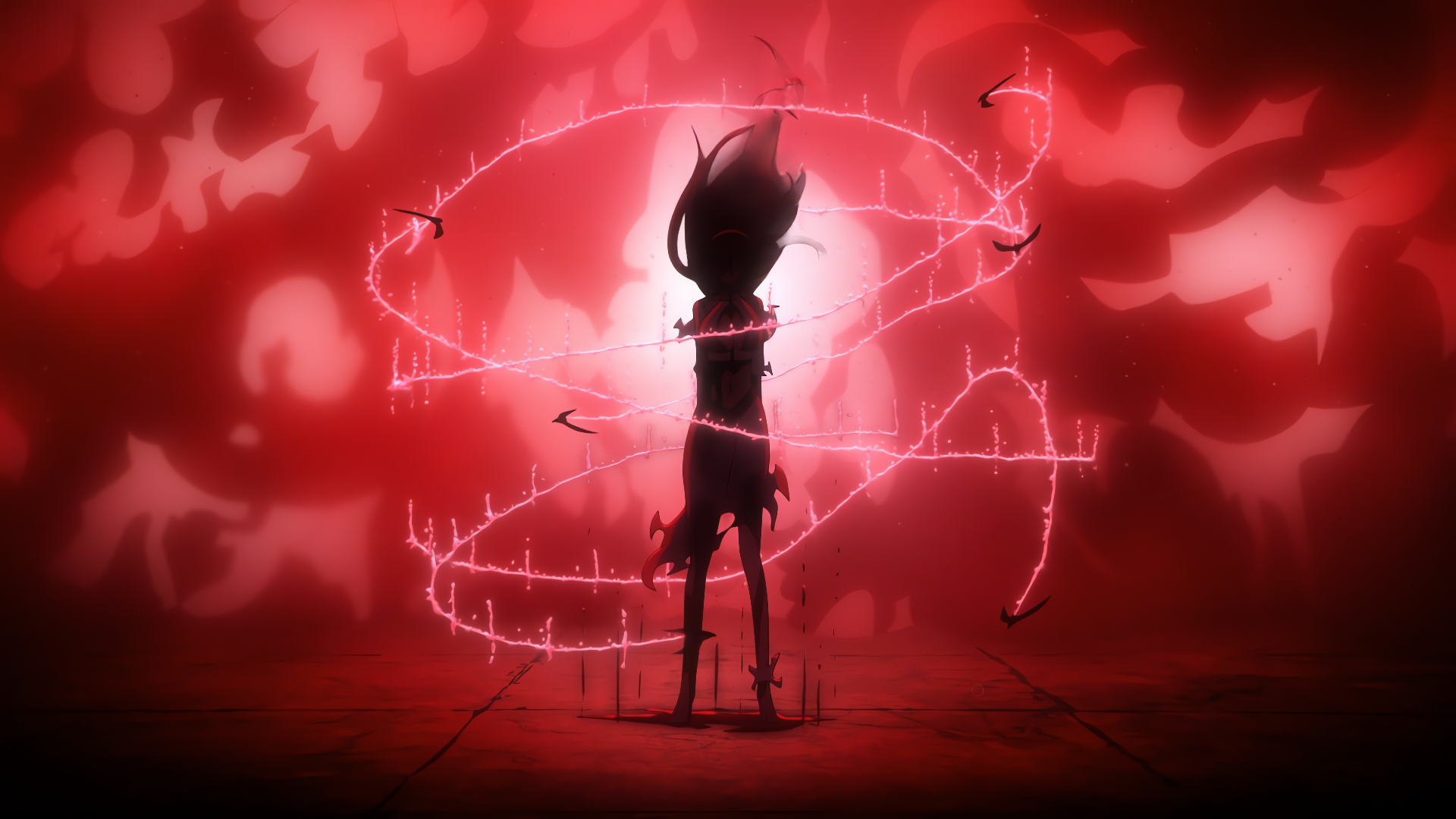
- TYBW transformation and intense reactions
- Interaction scenes with Ichigo
How to Use Orihime 4K Clips for Edits
To get the best results using Orihime Inoue Twixtor clips:
- Use Twixtor or slow-motion plugins for smooth transitions
- Add glow and soft light effects to enhance her aura
- Sync clips with emotional or slowed music
- Focus on facial expressions for storytelling edits
- Use overlays and particles to increase visual complexity
Make sure to always use high-quality clips to maintain sharp visuals, better engagement, and avoid pixel distortion during slow motion.
Why This Twixtor Page Is Useful for Mobile Editors
This Orihime Inoue Twixtor page is optimized not just for PC editors but also for mobile editors using apps like CapCut and Alight Motion. The clips are selected with balanced motion complexity, meaning they won’t break or lag during slow motion processing on lower-end devices.
For mobile editors, this matters because:
- Pre-cleaned clips reduce lag during editing
- Smooth frame flow improves Twixtor results
- Lightweight but high-quality clips save storage
- Easy to apply effects without frame tearing
This makes it easier for beginners and mobile creators to produce high-quality edits without needing expensive setups.
🔹 Clean Anime ffs (No Subtitles) – Flowframes
🔹 Exclusive 4K Raw Scenes (No Subtitles) – Raw Clips
Orihime Inoue
Download Orihime Inoue Twixtor Clip (4K)
- Resolution: 4K / 1080p
- Format: MP4
- Duration: 04:30
- Size: 109 MB
All download links are verified and safe. No third-party pop-ups or misleading redirects
drive
All download links are verified and safe. No third-party pop-ups or misleading redirects
mega

Final Thoughts
If you’re serious about creating high-quality anime or cinematic edits, choosing the right clip is just as important as your editing skills. This Orihime Inoue Twixtor clip is ideal for smooth slow-motion edits, especially when combined with proper settings and timing.