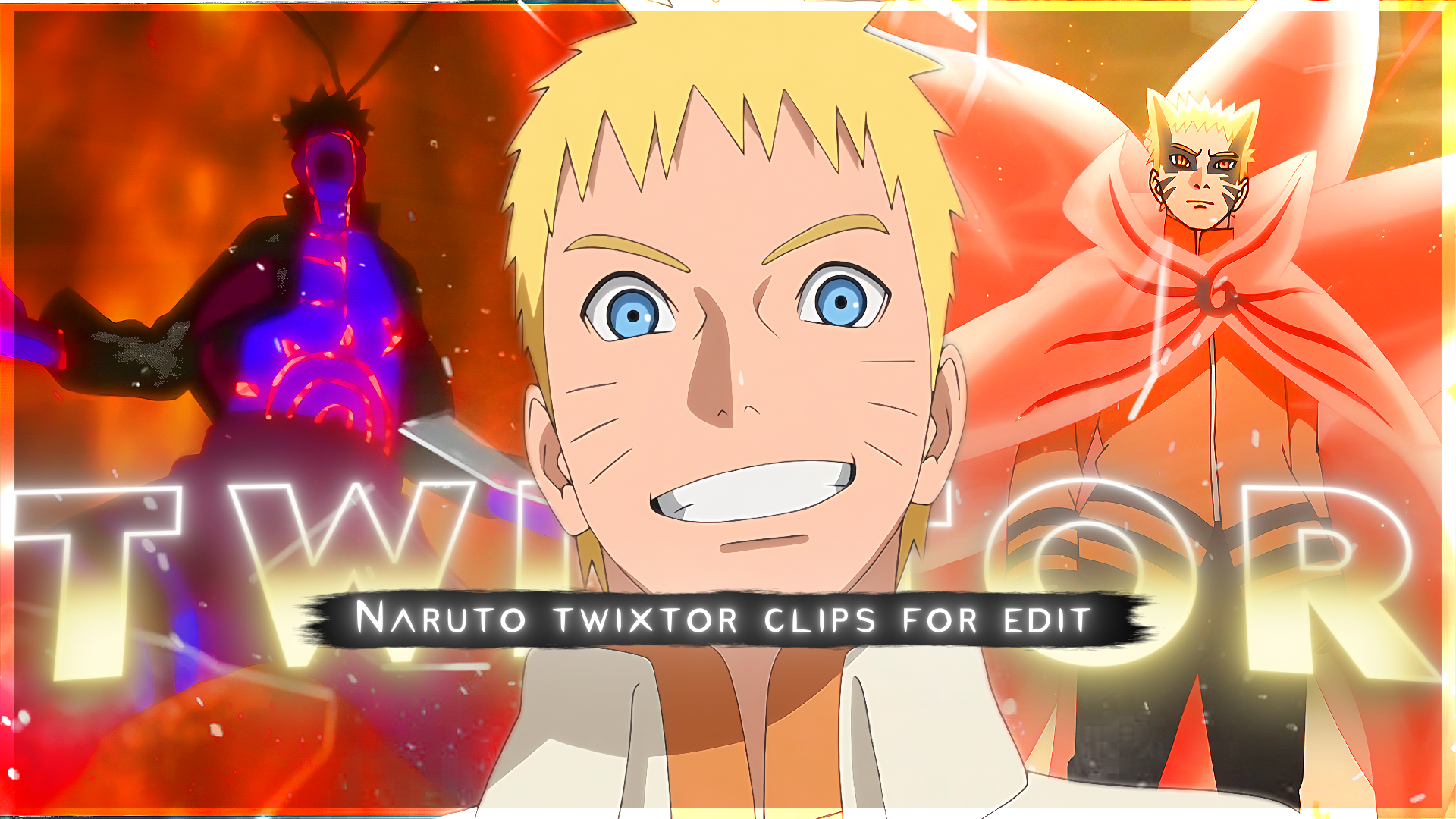
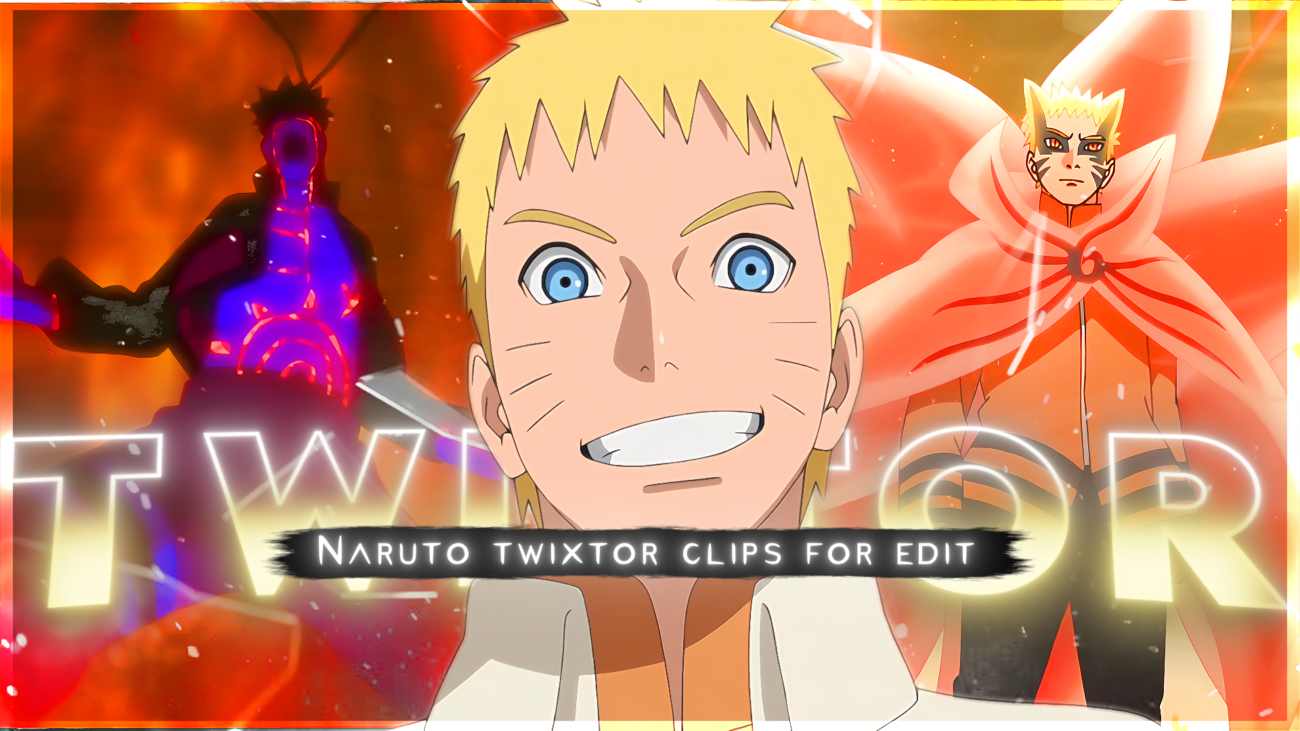
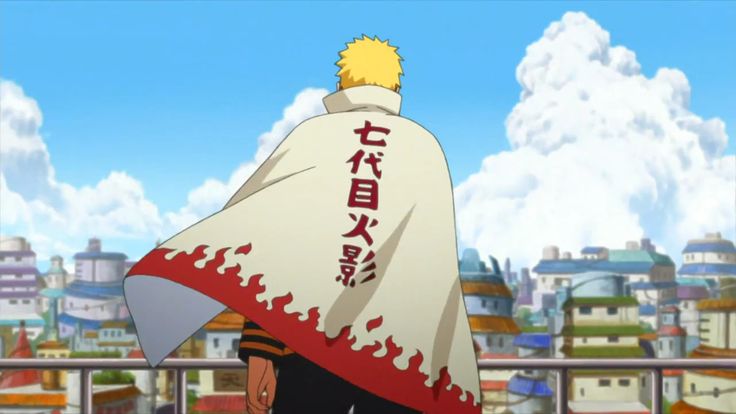
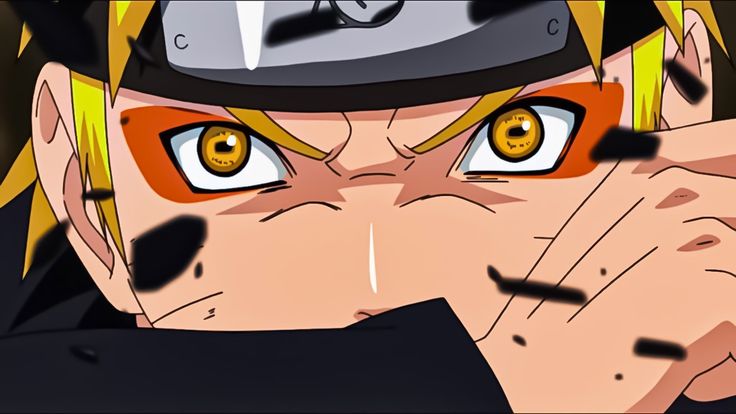
If you’re searching for high-quality Naruto Uzumaki 4K Twixtor clips for editing, this page delivers the most powerful, emotional, and visually stunning scenes from Naruto Uzumaki in Naruto. These moments are perfect for AMVs, reels, TikTok edits, and cinematic anime edits with smooth slow motion and clean frames.
1. Naruto Six Paths Sage Mode Entry (War Arc 4K Twixtor Scene)
One of the most searched Naruto Six Paths Sage Mode 4K Twixtor clips, this scene captures Naruto’s divine-level power awakening during the Fourth Great Ninja War. The glowing aura, Truth-Seeking Orbs, and calm but overwhelming presence make it ideal for aura edits, god mode edits, and cinematic slow motion edits. The lighting and chakra effects enhance Twixtor smoothness, making transitions look flawless.
2. Naruto vs Pain Entrance Scene (Naruto Rage Aura Edit Clip)
The legendary Naruto vs Pain entrance 4K Twixtor clip is a must-have for editors. Naruto arrives with full confidence, standing on Gamabunta with intense background music energy. This moment is widely used in anime edit reels, hype edits, and powerful entry scenes, giving your edit a strong emotional and dramatic impact.
3. Kurama Chakra Mode Transformation (Naruto Kurama Aura 4K Edit)
This Naruto Kurama mode transformation Twixtor clip features glowing golden chakra, fast motion energy, and intense aura visuals. It’s perfect for fast-paced edits, glow effects, velocity edits, and TikTok anime edits. The chakra cloak animation works extremely well with Twixtor for ultra-smooth motion interpolation.
4. Naruto Emotional Scene (Sad Naruto Edit 4K Twixtor Clip)
For editors looking for sad Naruto Twixtor clips in 4K, this emotional moment highlights Naruto’s loneliness and inner struggle. These scenes are ideal for deep edits, emotional AMVs, storytelling edits, and slowed sad anime edits. The facial expressions and soft animation allow clean frame blending for smooth slow-motion effects.
5. Naruto Final Battle vs Sasuke (Naruto vs Sasuke 4K Twixtor Scene)
The Naruto vs Sasuke final battle 4K Twixtor clip is one of the most iconic fight sequences in anime history. Featuring intense combat, emotional storytelling, and high-speed animation, this scene is perfect for fight edits, transition-heavy edits, and high-quality AMVs. The motion detail makes it ideal for Twixtor velocity edits and cinematic cuts.
Why Use These Naruto 4K Twixtor Clips for Editing
These Naruto Uzumaki Twixtor clips are specially selected for editors who want:
- Smooth slow-motion results with minimal frame distortion
- Clean background and high-resolution visuals
- Perfect clips for anime edits, AMVs, reels, and TikTok edits
- High engagement scenes that perform well on YouTube and social platforms
Whether you’re creating Naruto edits, anime aura edits, or 4K Twixtor AMVs, these scenes give you the best combination of emotion, action, and visual quality.
🔹 Clean Anime Clips (No Subtitles) – Flowframes
🔹 Exclusive 4K Raw Scenes Settings – Raw Clips
Naruto Uzumaki
Download Naruto Twixtor Clip (4K)
File Details:
- Resolution: 4K / 1080p
- Format: MP4
- Duration: 09:21
- Size: 687.6 MB
All download links are verified and safe. No third-party pop-ups or misleading redirects
drive
All download links are verified and safe. No third-party pop-ups or misleading redirects
mega
Final Thoughts
If you’re serious about creating high-quality anime or cinematic edits, choosing the right clip is just as important as your editing skills. This Naruto Uzumaki Twixtor clip is ideal for smooth slow-motion edits, especially when combined with proper settings and timing.