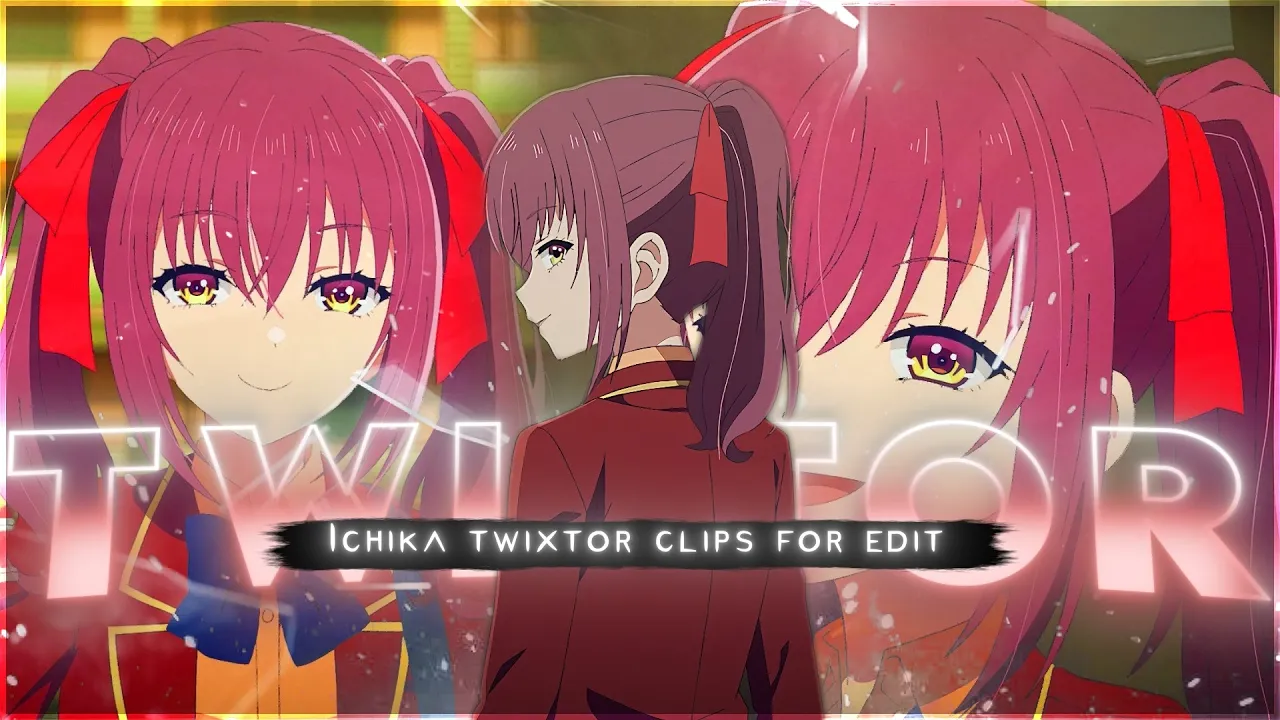
If you’re searching for Ichika Amasawa Twixtor clips, you’re in the right place. This page provides high-quality 4K Twixtor-ready scenes of Ichika Amasawa, perfect for anime edits, AMVs, and cinematic reels. Whether you want smooth slow motion or clean velocity edits, these clips are designed for professional-level editing.
Who is Ichika Amasawa?
Ichika Amasawa is one of the most complex and intelligent characters from Classroom of the Elite. She is known for her unpredictable personality, sharp mind, and hidden motives. Her character adds depth and psychological intensity, making her a favorite for anime editors.
Character Details
- Anime: Classroom of the Elite
- Personality: Manipulative, playful, intelligent
- Traits: High IQ, strategic thinking, emotional complexity
- Popular for: Edit scenes, attitude moments, psychological edits
Why Use Ichika Amasawa Twixtor Clips?
Ichika Amasawa Twixtor clips are highly popular because of their clean animation, expressive scenes, and emotional depth. These clips allow editors to create:
- Smooth slow-motion edits
- High-quality AMVs
- Viral TikTok and Reels content
- Aesthetic anime edits
The complexity of her expressions and movements makes every edit look more engaging and professional.
Best Ichika Amasawa Scenes for Editing
Ichika Amasawa Entrance Scene – Classroom of the Elite Season 2 Episode Introduction
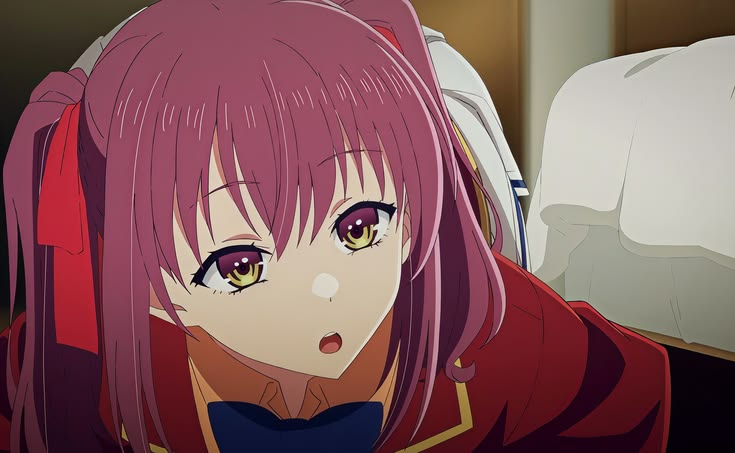
The first appearance of Ichika Amasawa instantly sets her apart with a calm smile hiding sharp intelligence and dangerous intent. This scene is perfect for Ichika Amasawa 4K Twixtor clips, featuring smooth camera angles, subtle expressions, and clean animation frames ideal for slow motion edits. Editors searching for Ichika Amasawa edit clips, anime twixtor scenes, and Classroom of the Elite 4K moments will find this introduction scene perfect for aesthetic edits and character showcases.
Ichika Amasawa Fighting Skills Reveal – Martial Arts Aura Scene
One of the most popular Ichika Amasawa aura moments is when she casually demonstrates her combat ability with overwhelming speed and precision. The fluid animation and impactful movements make this scene highly suitable for 4K Twixtor slow motion edits. This moment is widely used in Ichika Amasawa edit compilations, anime fight edits, and high-quality AMVs due to its clean motion frames and strong visual intensity.
Ichika Amasawa Smug Smile Close-Up – Cold Expression Scene
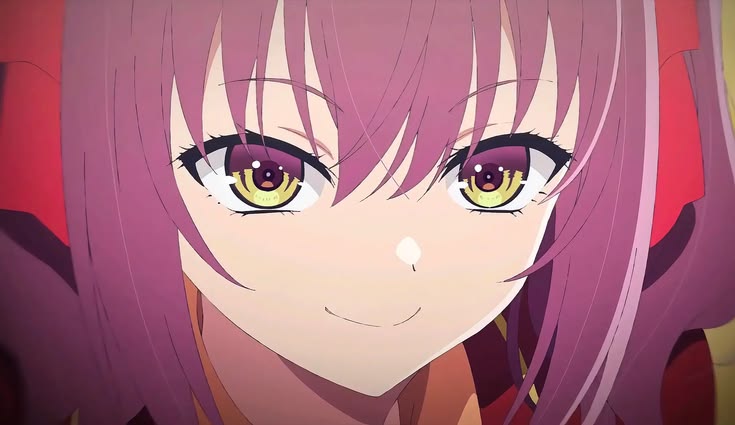
This close-up scene highlights Ichika’s confident and slightly teasing personality, making it a top choice for aesthetic anime edits. The lighting, eye detail, and facial animation create a perfect Ichika Amasawa 4K edit clip for twixtor effects, glow edits, and velocity edits. Keywords like Ichika Amasawa smile edit, anime attitude scenes, and cold anime girl moments are highly associated with this clip.
Ichika Amasawa Psychological Mind Game Scene – Manipulation Moment
Ichika’s intelligence shines in scenes where she subtly manipulates others while maintaining a playful tone. These moments are ideal for anime edit clips focused on psychological themes, with smooth pacing that works perfectly for twixtor slow motion and cinematic edits. This scene fits well with search trends like Ichika Amasawa manipulation scene, Classroom of the Elite mind games, and anime genius girl edits.
Ichika Amasawa Walking Scene – Calm Aura with Background Motion
A simple walking scene becomes powerful due to Ichika’s presence and aura. The background movement combined with her composed expression makes this one of the best Ichika Amasawa 4K twixtor clips for editors creating smooth transitions, loop edits, and cinematic anime edits. This scene is frequently used in Ichika Amasawa aesthetic edits, anime walking loops, and 4K anime velocity edits.
Some of the most searched Ichika Amasawa edit moments include:
- Attitude and smirk scenes
- Psychological confrontation moments
- Close-up emotional expressions
- Walk and transition scenes
These moments are perfect for Twixtor because they maintain frame quality and reduce blur during slow motion.
How to Use Ichika Amasawa Twixtor Clips
To get the best results:
- Use After Effects or CapCut
- Apply Twixtor for smooth frame interpolation
- Add motion blur and velocity effects
- Sync with trending audio for better reach
Using the right settings will enhance the complexity and smoothness of your edits.
Conclusion
Ichika Amasawa Twixtor clips are perfect for editors who want high-quality anime content with strong visual impact. With her unique personality and detailed animation, she remains one of the best characters for creating viral edits and aesthetic videos.
🔹 Clean Anime Clips (No Subtitles) – Flowframes
🔹 Exclusive 4K Raw Scenes Settings – Raw Clips
Ichika Amasawa
Download Ichika Twixtor Clip (4K)
File Details:
- Resolution: 4K / 1080p
- Format: MP4
- Duration: 01:21
- Size: 97.2 MB
All download links are verified and safe. No third-party pop-ups or misleading redirects
drive
All download links are verified and safe. No third-party pop-ups or misleading redirects
mega
- ichika amasawa twixtor 4k
- classroom of the elite season 4 clips
- anime clips for edits 4k
- smooth anime twixtor clips
- ichika edit clips
Final Thoughts
If you’re serious about creating high-quality anime or cinematic edits, choosing the right clip is just as important as your editing skills. This Toph Twixtor clip is ideal for smooth slow-motion edits, especially when combined with proper settings and timing.