
🌸 Introduction
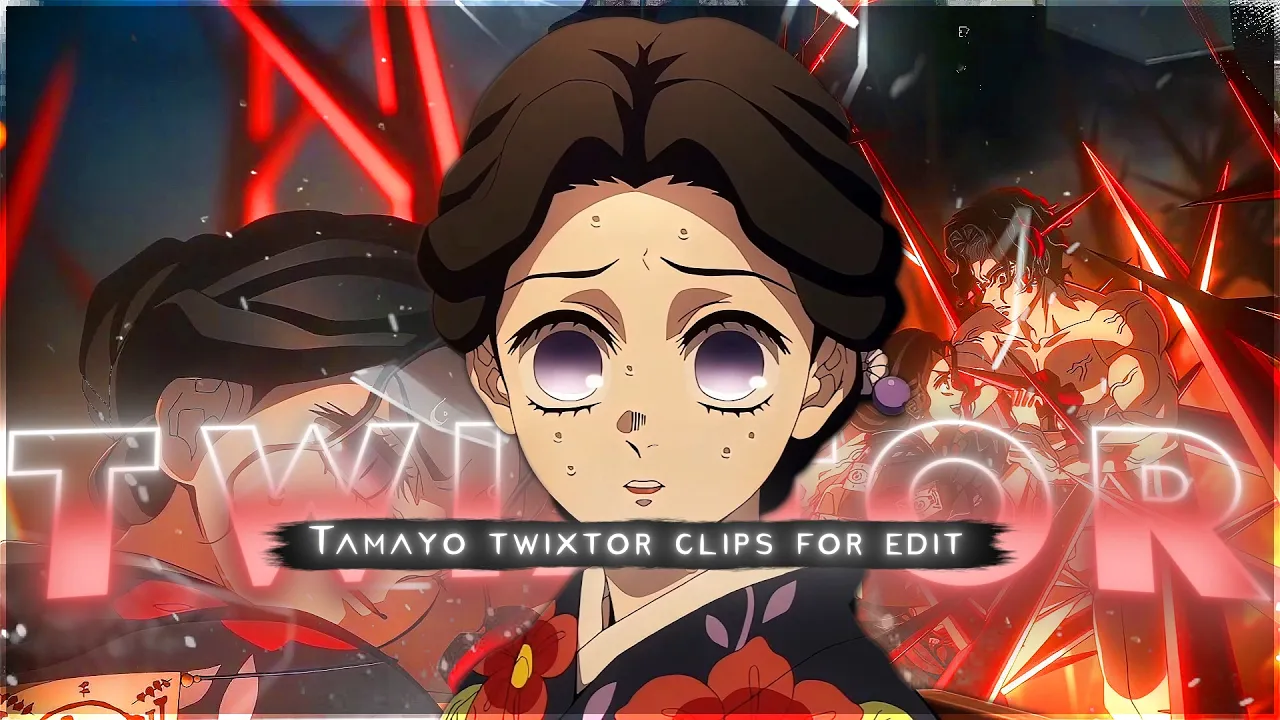
Looking for high-quality Tamayo Twixtor 4K clips from Demon Slayer? This page features smooth, edit-ready anime footage designed for Twixtor edits, AMVs, velocity edits, TikTok reels, YouTube Shorts, and cinematic anime projects.
Whether you’re creating Demon Slayer edits, Tamayo aesthetic edits, anime slow-motion videos, or professional AMVs, these clips provide clean animation, sharp visuals, and excellent frame consistency for smooth Twixtor results.
You’ll also find recommended Twixtor settings, editing workflows, and practical tips used by anime editors to create viral-quality content.
🎥 Why This Tamayo Scene Is Perfect for Twixtor Editing
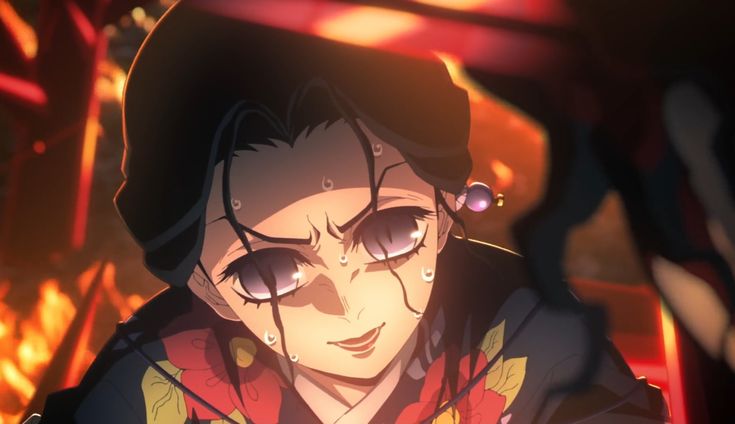
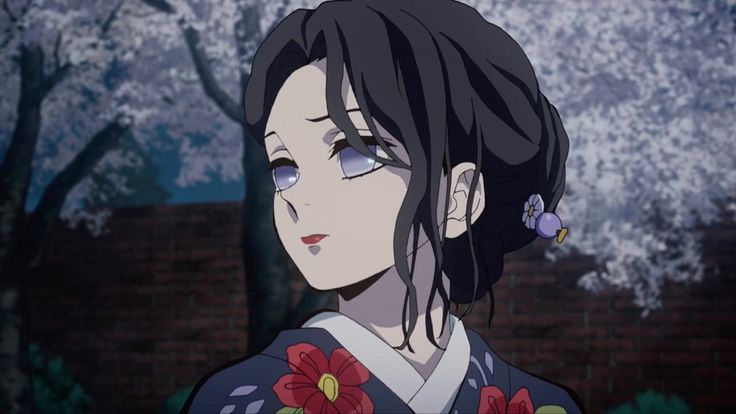
This Tamayo 4K clip works exceptionally well for editing because it includes:
- Smooth character movement and facial animation
- Clean line art with minimal visual distortion
- Detailed lighting and cinematic color grading
- Stable camera movement for better frame interpolation
- High-quality animation from modern Demon Slayer episodes
- Strong emotional expressions that work well in AMVs
👉 These factors help editors create smooth slow-motion sequences with fewer Twixtor artifacts, ghosting effects, or frame warping.
⚡ Recommended Twixtor Settings for Tamayo Clips
These settings are commonly used by anime editors for Demon Slayer scenes:
Best Settings
- Speed: 35% – 50%
- Input FPS: 23.976
- Frame Interpolation: Optical Flow / Best
- Motion Sensitivity: Medium
- Smart Blending: Enabled
- Image Prep: Slight Sharpening
Pro Editing Tip
Tamayo scenes often focus on facial expressions and emotional moments. For the cleanest results, avoid extremely slow speeds below 25%, as subtle facial movements can become distorted.
🎬 How to Edit Tamayo Clips in After Effects
After Effects Workflow
- Import the 4K Tamayo clip.
- Create a composition matching the source FPS.
- Apply the Twixtor plugin.
- Reduce speed gradually.
- Add motion blur for smoother movement.
- Use cinematic color grading.
- Sync transitions with music beats.
Recommended Effects
- Glow
- Sapphire Blur
- Magic Bullet Looks
- Directional Blur
- Camera Shake
- Light Leaks
These effects work especially well for emotional Demon Slayer edits.
📱 Mobile Editing Guide (CapCut & Alight Motion)
If you’re editing on mobile:
- Import the highest-quality version available.
- Use velocity curves instead of extreme slow motion.
- Add smooth zoom transitions.
- Apply glow effects for cinematic visuals.
- Sync key moments with audio beats.
- Use motion blur plugins when available.
Many viral anime edits use simple transitions combined with good timing rather than excessive effects
🔹 Clean Anime ffs (No Subtitles) – Flowframes
🔹 Exclusive 4K Raw Scenes (No Subtitles) – Raw Clips
Tamayo
Download Tamayo Twixtor Clip (4K)
- Resolution: 4K / 1080p
- Format: MP4
- Duration: 01:08
- Size: 78 MB
All download links are verified and safe. No third-party pop-ups or misleading redirects
drive
All download links are verified and safe. No third-party pop-ups or misleading redirects
mega
- Tamayo Twixtor 4K clip
- Tamayo Demon Slayer edit clip
- Tamayo anime edit 4K
- Tamayo Twixtor pack download
- Demon Slayer Tamayo scene 4K
- Tamayo aesthetic edit clip
- Kimetsu no Yaiba Tamayo 4K
- Tamayo AMV clips
- Tamayo velocity edit clip
- Tamayo slow motion anime clip
- Demon Slayer 4K edit clips
- Tamayo Infinity Castle scene
- Tamayo and Yushiro edit clip
- Tamayo Demon Slayer Twixtor
- Tamayo 4K anime footage
- Demon Slayer emotional scene 4K
- Tamayo cinematic anime clip
- Tamayo clean anime clip
- Tamayo edit material 4K
- Demon Slayer Twixtor clips pack
- Tamayo reels edit clip
- Tamayo YouTube Shorts clip
- Kimetsu no Yaiba edit clips
- Tamayo HD anime scene
- Tamayo anime clips for editing
Final Thoughts
If you’re serious about creating high-quality anime or cinematic edits, choosing the right clip is just as important as your editing skills. This Nami Twixtor clip is ideal for smooth slow-motion edits, especially when combined with proper settings and timing.