
🎬 Introduction
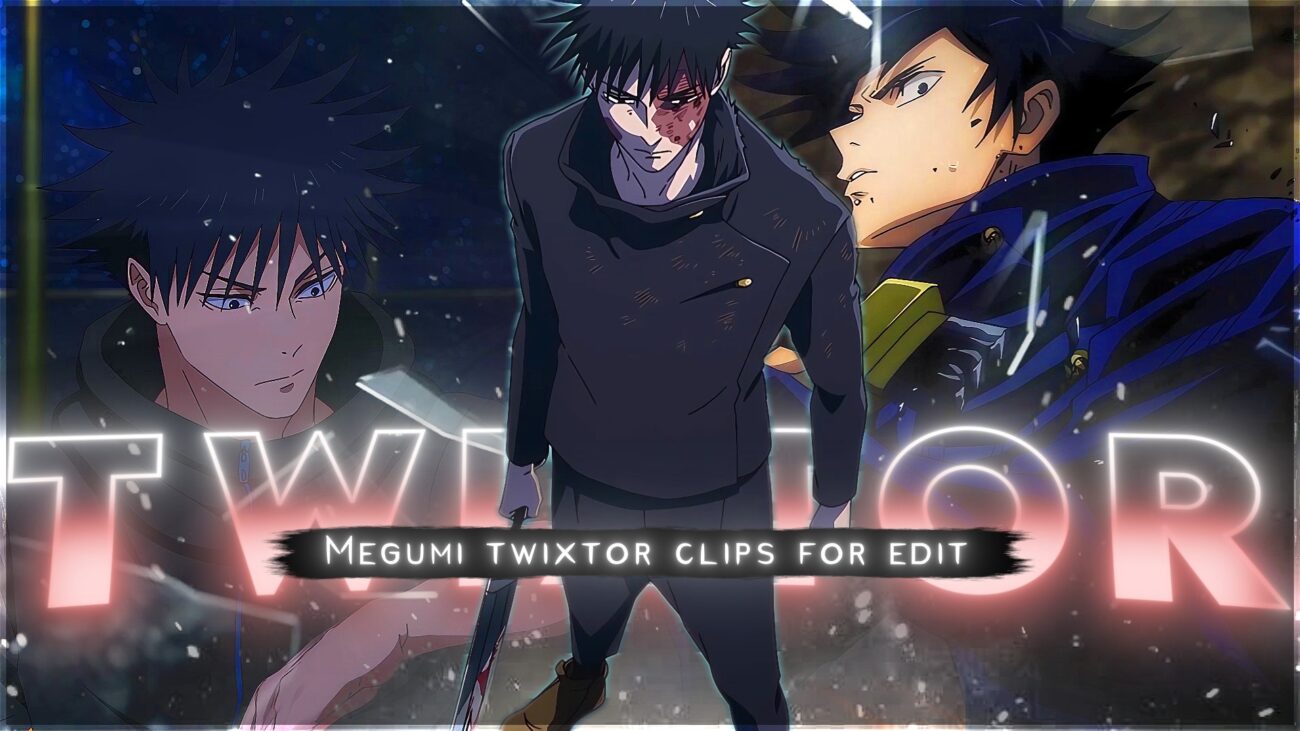
This page features a high-quality 4K Twixtor-ready clip of Megumi Fushiguro from Jujutsu Kaisen, carefully prepared for editors who want smooth slow-motion results for AMVs, reels, and cinematic anime edits.
Whether you’re creating Jujutsu Kaisen edits, Megumi shadow technique edits, or viral anime content for platforms like TikTok and YouTube, this clip provides a clean source with minimal distortion and optimized frame quality.
You’ll also find recommended Twixtor settings, editing workflows, and real editor tips to help you achieve professional-level results.
⚡ Why This Scene Works Perfectly for Editing
This Megumi Fushiguro Twixtor 4K clip is ideal for editing because it includes:
- Smooth and controlled character movement (great for interpolation)
- Clean shadow-based animations from Ten Shadows Technique
- Balanced lighting with strong contrast (perfect for color grading)
- Minimal motion blur compared to high-speed fight scenes
- High-detail frames from modern Jujutsu Kaisen animation quality
👉 These elements help reduce Twixtor glitches like warping, ghosting, or frame tearing.
🎯 Recommended Twixtor Settings (Megumi Optimized)
These settings work best for Megumi’s summon scenes, combat movements, and cinematic shots:
- Speed: 35% – 50%
- Input FPS: 23.976
- Frame Interpolation: Best / Optical Flow
- Motion Sensitivity: Medium (increase for faster scenes)
- Image Prep: Slight sharpening + contrast boost
💡 Pro Tip:
For fast summon sequences or shadow transitions, avoid going below 30% speed to maintain clean edges.
🎬 How to Use This Clip in Editing Software
🖥️ After Effects Workflow
- Import your clip into composition
- Apply Twixtor plugin
- Reduce speed gradually (avoid sudden drops)
- Add motion blur for smoother cinematic feel
- Apply color grading (dark tones, blue/purple shadows work best)
📱 Mobile Editing (Alight Motion / CapCut)
- Import in highest quality (prefer 4K)
- Use velocity curves instead of basic slow motion
- Add directional blur or echo effects
- Sync transitions with beat drops
- Use glow/shadow effects for summon scenes
🧠 Practical Editing Tips (Used in Viral Edits)
- Sync Megumi’s summon or attack moments with bass drops
- Avoid extreme slow motion on fast combat sequences
- Use zoom only during key impact frames
- Combine Twixtor with subtle color grading (don’t overdo effects)
- Maintain motion direction for clean transitions
- Add flash/shake effects for summon impact scenes
🎥 About This Clip
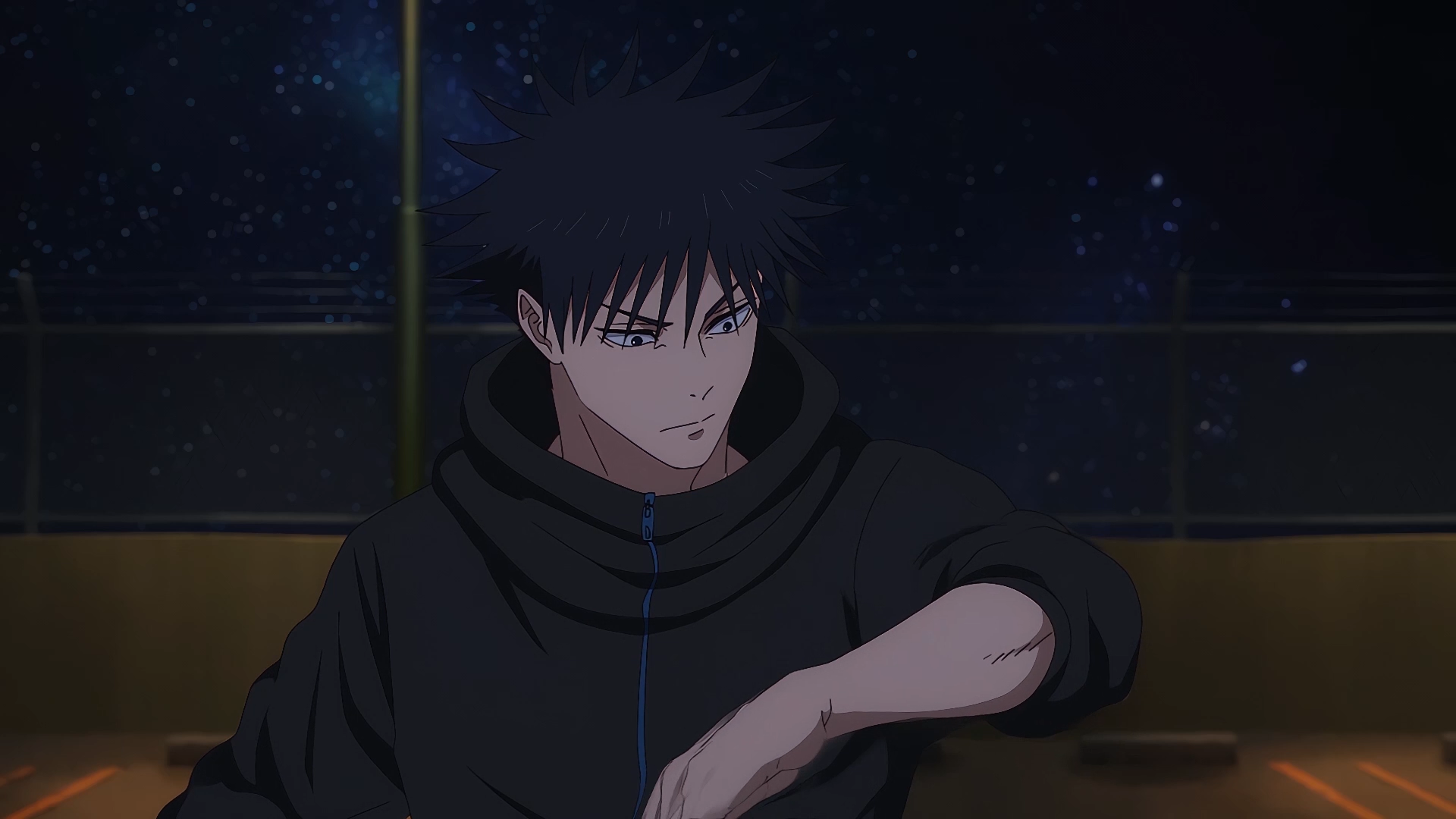
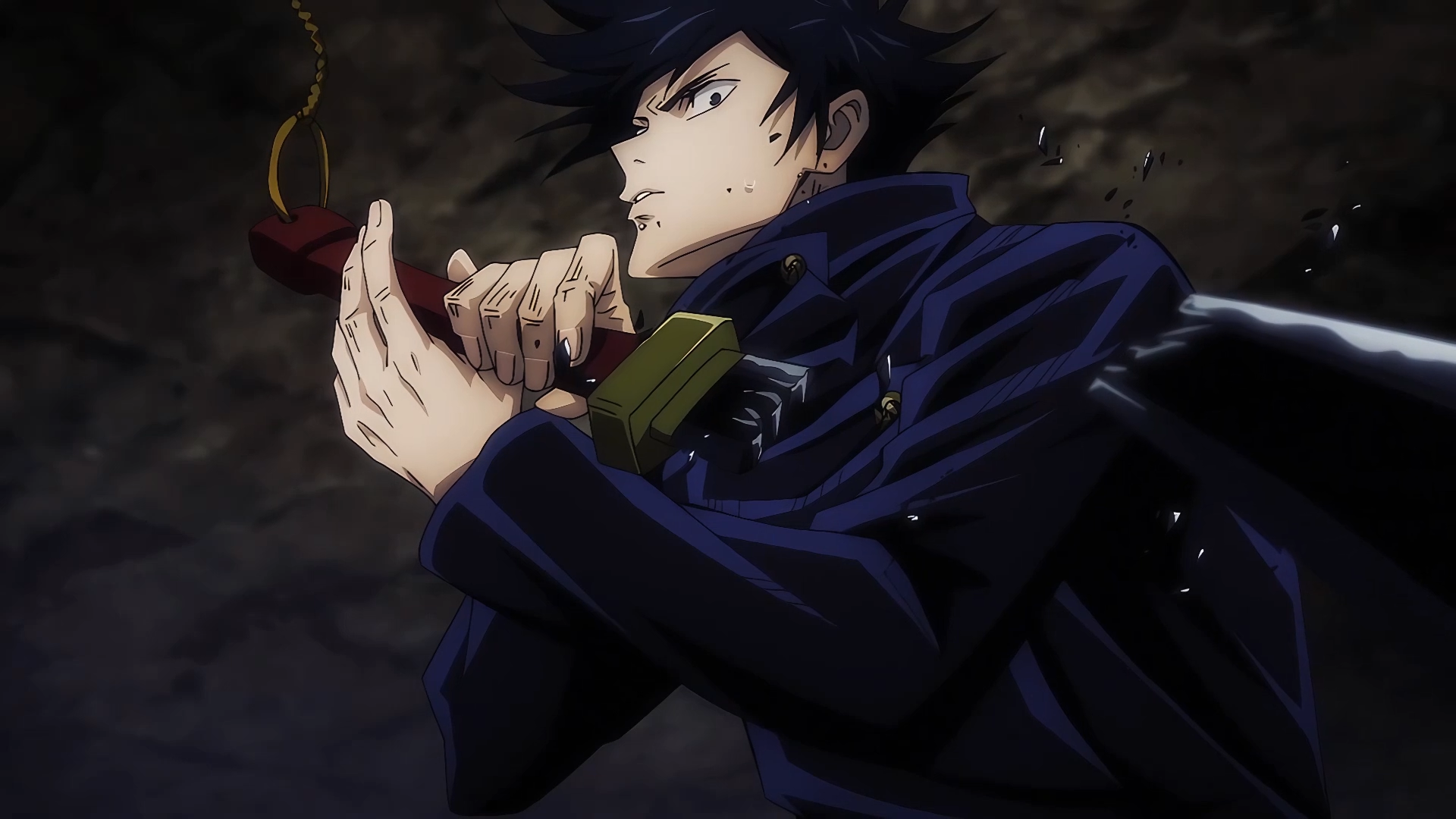
This clip highlights some of Megumi Fushiguro’s most visually appealing moments, including:
- Early combat scenes showcasing technique control
- Ten Shadows Technique summons (Divine Dogs, Nue, etc.)
- Strategic fight sequences with smooth animation
- Dark-toned cinematic shots perfect for edits
- Modern high-quality animation frames from recent arcs
Megumi’s unique fighting style, shadow-based abilities, and calm personality make him one of the most popular characters for anime edits, especially for cinematic and dark-themed content.
👤 Character Details (SEO + Context)
- Character Name: Megumi Fushiguro
- Anime: Jujutsu Kaisen
- Role: Jujutsu Sorcerer (Tokyo Jujutsu High)
- Abilities: Ten Shadows Technique (summoning shikigami)
- Known For: Strategic combat, shadow summons, calm personality
- Popular Scenes: Divine Dogs, Nue summon, domain expansion moments
🔹 Clean Anime ffs (No Subtitles) – Flowframes
🔹 Exclusive 4K Raw Scenes (No Subtitles) – Raw Clips
Megumi Fushiguro
Download Megumi Fushiguro Twixtor Clip (4K)
- Resolution: 4K / 1080p
- Format: MP4
- Duration: 07:04
- Size: 519 MB
All download links are verified and safe. No third-party pop-ups or misleading redirects
drive
All download links are verified and safe. No third-party pop-ups or misleading redirects
mega
- Megumi Fushiguro Twixtor 4K clip download
- Jujutsu Kaisen Megumi edit clip ultra HD
- Megumi shadow technique edit 4K
- Megumi Fushiguro anime edit clips for AMV
- Jujutsu Kaisen Twixtor clips Megumi 60fps
- Megumi Fushiguro fight scene 4K edit
- Megumi Fushiguro cinematic edit clip
- Megumi summon scene Twixtor download
- Jujutsu Kaisen anime clips for editing 4K
- Megumi Fushiguro dark edit clip HD
Final Thoughts
If you’re serious about creating high-quality anime or cinematic edits, choosing the right clip is just as important as your editing skills. This Nami Twixtor clip is ideal for smooth slow-motion edits, especially when combined with proper settings and timing.