Introduction
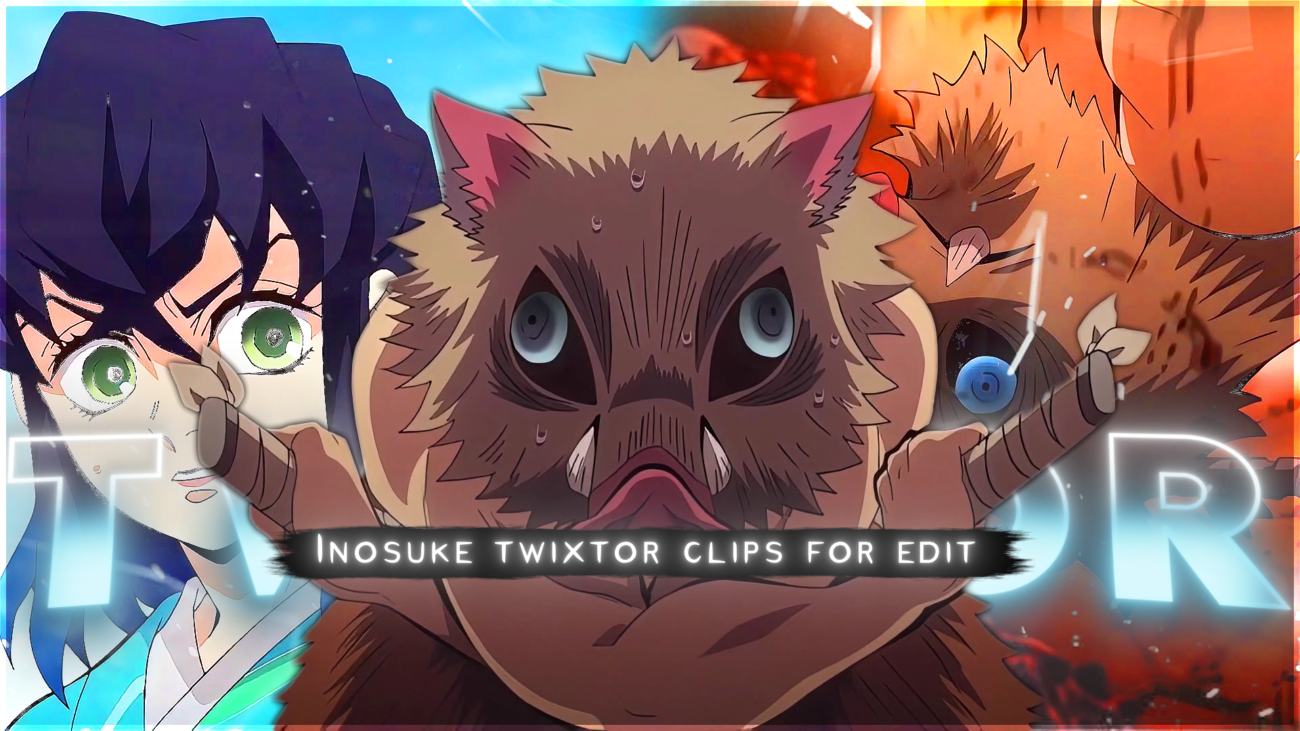
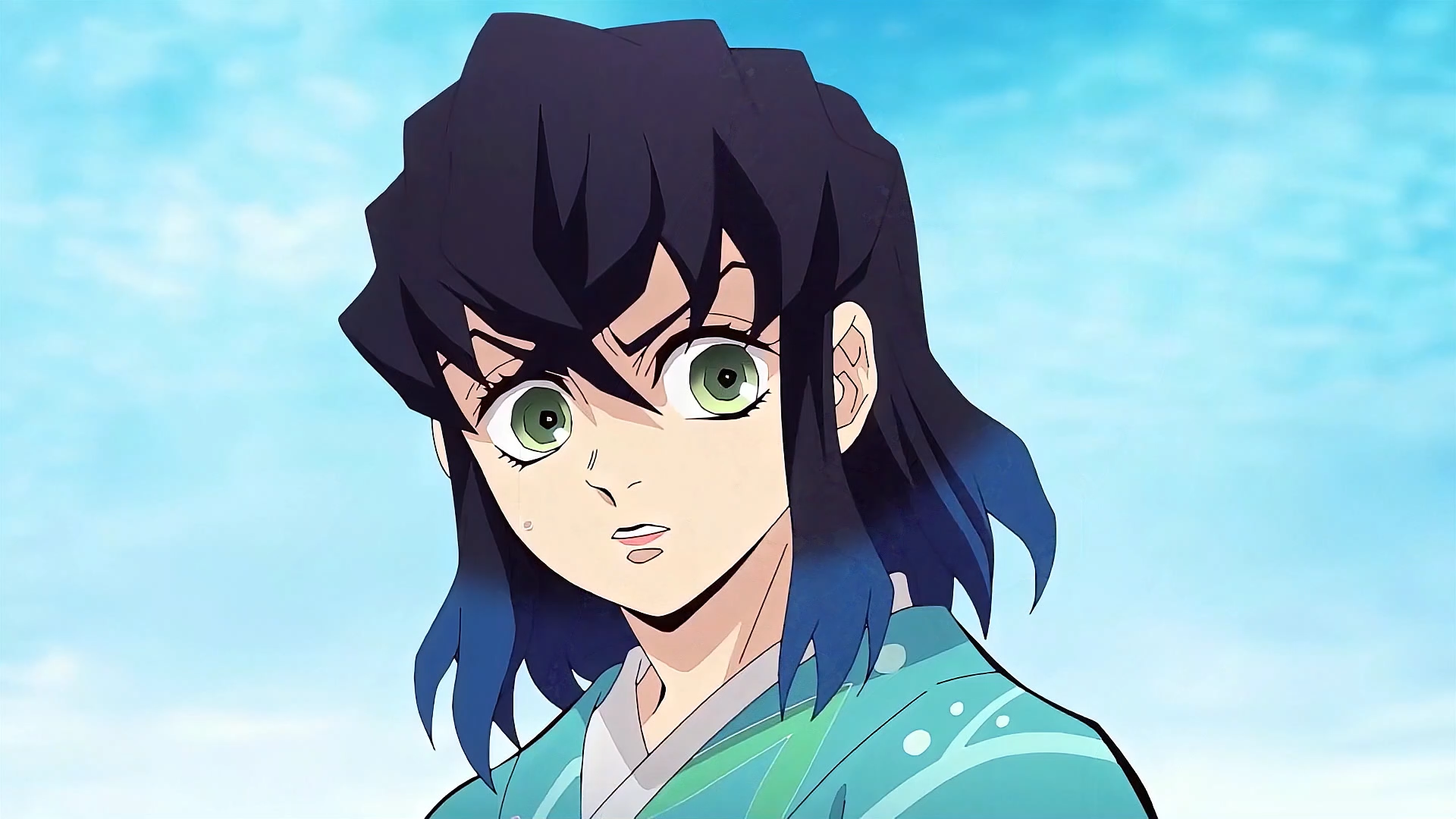
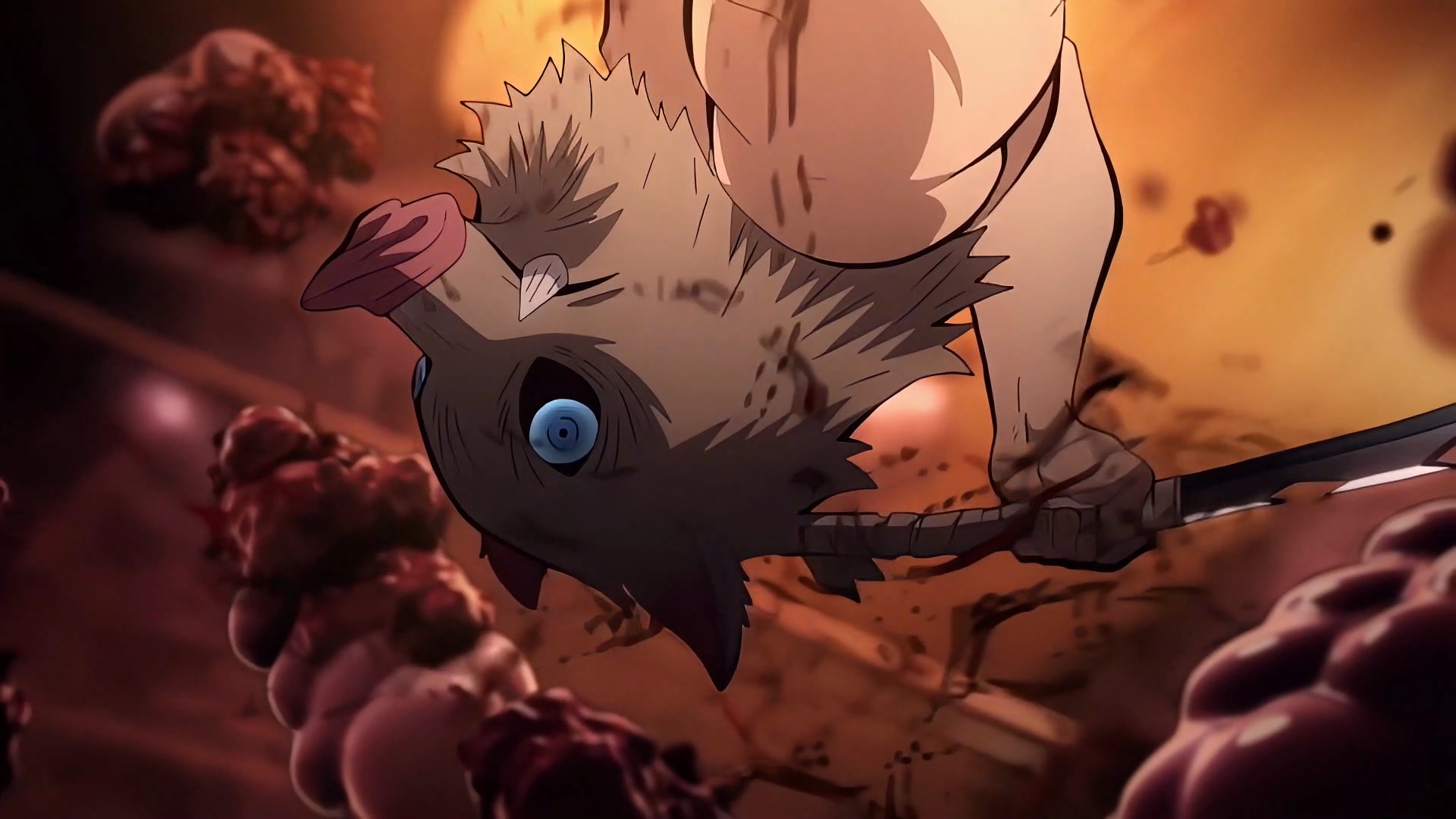
This page features a high-quality 4K Twixtor-ready Inosuke Hashibira clip from Demon Slayer, made for editors who want smooth anime edits, AMVs, slow-motion scenes, and cinematic reels.
If you are working on Inosuke edits, Demon Slayer 4K edits, or anime content for short-form platforms, this clip gives you a clean source with strong motion and edit-friendly frames. Below, you will also find Twixtor settings, editing workflow tips, and practical ideas for getting a smoother final result.
Why this clip works well for editing
This Inosuke Hashibira Twixtor 4K clip is useful for editing because it includes:
- clear motion that works well with frame interpolation
- strong facial and body expression for dramatic edits
- energetic animation that fits fast-paced transitions
- clean frames that help reduce warping in slow motion
- high-impact moments that work well for beats, flashes, and shakes
These details make it easier to create polished Twixtor edits with less distortion and a more cinematic look.
Recommended Twixtor settings
These settings work well for Inosuke Twixtor clips and other Demon Slayer edit scenes:
- Speed: 30% – 45%
- Input FPS: 23.976
- Frame Interpolation: Best / Optical Flow
- Motion Sensitivity: Medium
- Image Prep: Light sharpening + contrast boost
Pro tip:
For faster action scenes, do not push the speed too low, because that can create warping or broken frames.
How to use this clip in editing software
After Effects workflow
- Import the clip into a composition
- Apply the Twixtor plugin
- Reduce speed gradually
- Add motion blur for smoother movement
- Finish with color grading for a more cinematic result
Mobile editing workflow
- Import the clip in the highest quality available
- Use slow-motion or velocity curves
- Add echo, blur, or shake effects where needed
- Sync transitions with music beats
- Use glow or flash effects for high-energy scenes
Practical editing tips
These are simple techniques that help make anime edits look better:
- match key moments with the music beat
- avoid extreme slow motion on fast action scenes
- use zooms only on important moments
- keep the motion direction consistent
- use flash or shake effects for impact scenes
- keep color grading clean instead of over-processing
About this clip
This clip highlights Inosuke Hashibira’s wild energy, aggressive movement, and strong visual presence, which makes him a great choice for anime edits, Twixtor packs, and fast-cut cinematic content.
His style fits especially well with:
- action edits
- beast-mode scenes
- fast transition packs
- hype reels
- Demon Slayer character edits
Character details
- Character Name: Inosuke Hashibira
- Anime: Demon Slayer
- Style: Wild, aggressive, high-energy fighter
- Known For: Beast Breathing, fast attacks, loud personality, boar mask look
- Best Use: Twixtor edits, AMVs, action clips, viral anime content
🔹 Clean Anime ffs (No Subtitles) – Flowframes
🔹 Exclusive 4K Raw Scenes (No Subtitles) – Raw Clips
Inosuke Hashibira
Download Inosuke Hashibira Twixtor Clip (4K)
- Resolution: 4K / 1080p
- Format: MP4
- Duration: 03:34
- Size: MB
All download links are verified and safe. No third-party pop-ups or misleading redirects
drive
All download links are verified and safe. No third-party pop-ups or misleading redirects
mega
- Inosuke Hashibira Twixtor 4K
- Inosuke Hashibira Demon Slayer clip
- Inosuke Twixtor pack 4K
- Demon Slayer Inosuke 4K edit
- Inosuke Hashibira anime edit clip
- Inosuke Beast Breathing scene 4K
- Inosuke Hashibira slow motion clip
- Demon Slayer Twixtor clips 4K
- Inosuke edit clip ultra HD
- Inosuke Hashibira cinematic anime scene
- Inosuke Hashibira 4K status clip
- Demon Slayer anime clip pack
- Inosuke action scene twixtor
- Inosuke Hashibira viral edit clip
- Inosuke 4K AMV clip
- Demon Slayer 4K twixtor pack
- Inosuke Hashibira short edit clip
- Inosuke fast action edit scene
Final Thoughts
If you’re serious about creating high-quality anime or cinematic edits, choosing the right clip is just as important as your editing skills. This Nami Twixtor clip is ideal for smooth slow-motion edits, especially when combined with proper settings and timing.