🩸 Introduction
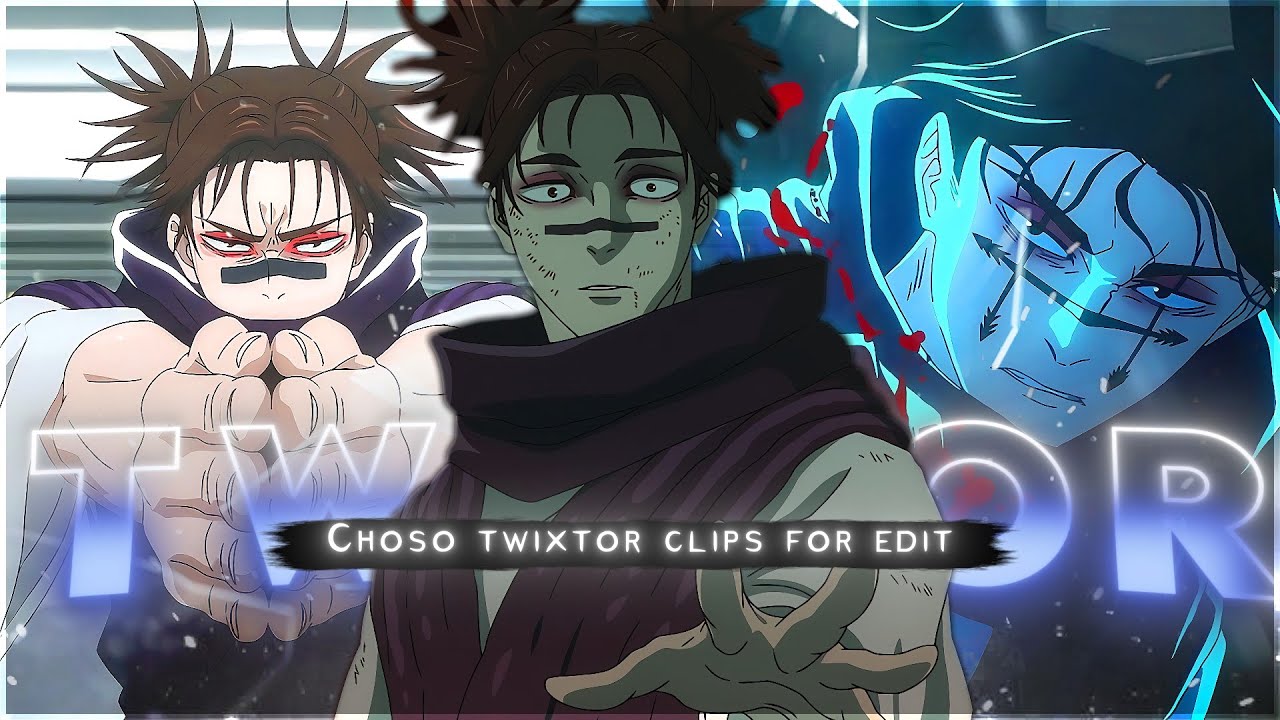
This page features a high-quality 4K Twixtor-ready clip of Choso from Jujutsu Kaisen, specifically curated for editors who create smooth anime edits, AMVs, and cinematic reels.
If you’re working on Choso edits, Jujutsu Kaisen 4K edits, blood manipulation scenes, or viral anime content, this clip provides a clean, high-frame-quality source with minimal distortion—perfect for professional-level slow-motion.
Below, you’ll also find optimized Twixtor settings, editing workflows, and real pro tips used in trending edits across platforms like TikTok and YouTube.
⚡ Why This Scene Works Perfectly for Editing
This Choso Twixtor 4K clip stands out because it includes:
- Smooth and controlled character motion (ideal for frame interpolation)
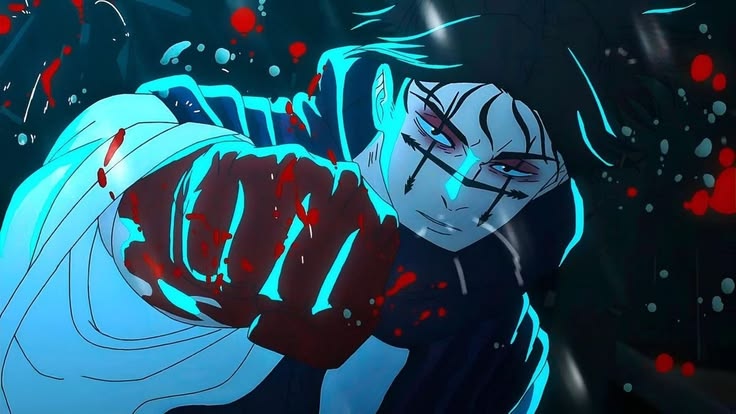
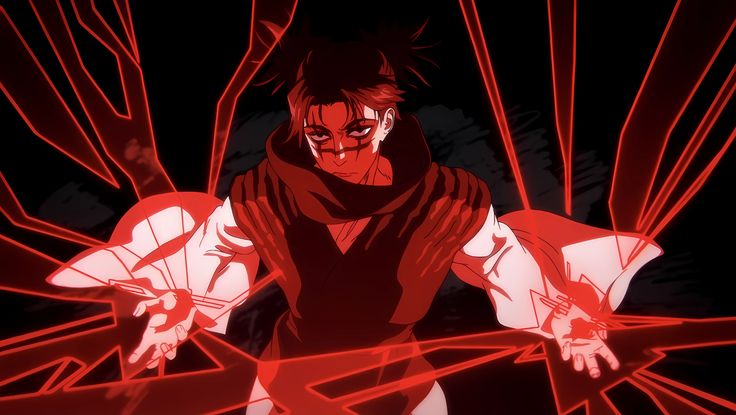
- Detailed blood manipulation effects (great for cinematic edits)
- High-contrast lighting that enhances visual depth
- Clean animation frames with minimal noise and blur
- Modern animation quality from Shibuya Incident arc
👉 These features make it easier to create clean slow-motion edits without glitches, warping, or frame tearing, even in intense scenes.
🎯 Recommended Twixtor Settings (Optimized for Choso Clips)
These settings are tested specifically for Choso fight scenes, blood effects, and emotional close-ups:
- Speed: 35% – 50%
- Input FPS: 23.976 / 24fps
- Frame Interpolation: Best / Optical Flow
- Motion Sensitivity: Medium to High (adjust for fast combat)
- Image Prep: Slight sharpening + contrast boost for blood effects
💡 Pro Tip:
For fast blood attack sequences, avoid going below 35% speed, as extreme slow motion can distort fluid effects.
🎬 How to Use This Clip in Editing Software
🖥️ After Effects Workflow
- Import your Choso clip into composition
- Apply Twixtor plugin
- Gradually reduce speed (avoid sudden changes)
- Add motion blur for cinematic smoothness
- Use color grading (dark red tones / cinematic LUTs)
📱 Mobile Editing (Alight Motion / CapCut)
- Import clip in highest quality (preferably 4K)
- Apply velocity curves for smooth slow motion
- Add directional blur or echo effect
- Sync transitions with beat drops
- Use glow + red tint effects for blood scenes
🧠 Practical Editing Tips (Used in Viral Edits)
These are real techniques used in trending anime edits:
- Sync Choso’s attack impact with bass drops
- Avoid extreme slow motion on high-speed combat
- Use zoom-ins only during emotional or intense moments
- Combine Twixtor with subtle color grading (don’t over-edit)
- Maintain motion direction for smoother transitions
- Add shake + flash effects during blood impact scenes
🩸 About This Clip
This clip highlights Choso’s most iconic moments, especially from:
- Shibuya Incident arc (peak animation quality)
- Blood manipulation fight sequences
- Emotional character moments and close-ups
- High-intensity combat scenes with Yuji Itadori
Choso’s unique blood-based abilities, emotional depth, and powerful fight choreography make him one of the most trending characters for Twixtor edits, anime reels, and cinematic AMVs.
👤 Character Details (SEO + Human Optimized)
- Character Name: Choso
- Anime: Jujutsu Kaisen
- Affiliation: Death Painting Womb / Cursed Spirit Hybrid
- Abilities: Blood Manipulation (Flowing Red Scale, Piercing Blood)
- Known For: Intense fight scenes, emotional storytelling, brotherly bond with Yuji
- Major Arc: Shibuya Incident
🔹 Clean Anime ffs (No Subtitles) – Flowframes
🔹 Exclusive 4K Raw Scenes (No Subtitles) – Raw Clips
Choso
Download Light Yagami Twixtor Clip (4K)
- Resolution: 4K / 1080p
- Format: MP4
- Duration: 02:21
- Size: 170 MB
All download links are verified and safe. No third-party pop-ups or misleading redirects
drive
All download links are verified and safe. No third-party pop-ups or misleading redirects
mega
- Choso Twixtor 4K Clips Download
- Why Use Choso Twixtor Clips for Edits
- Best Scenes of Choso in 4K
- How to Use Twixtor Clips Smoothly
Final Thoughts
If you’re serious about creating high-quality anime or cinematic edits, choosing the right clip is just as important as your editing skills. This Nami Twixtor clip is ideal for smooth slow-motion edits, especially when combined with proper settings and timing.