
🌌 Introduction
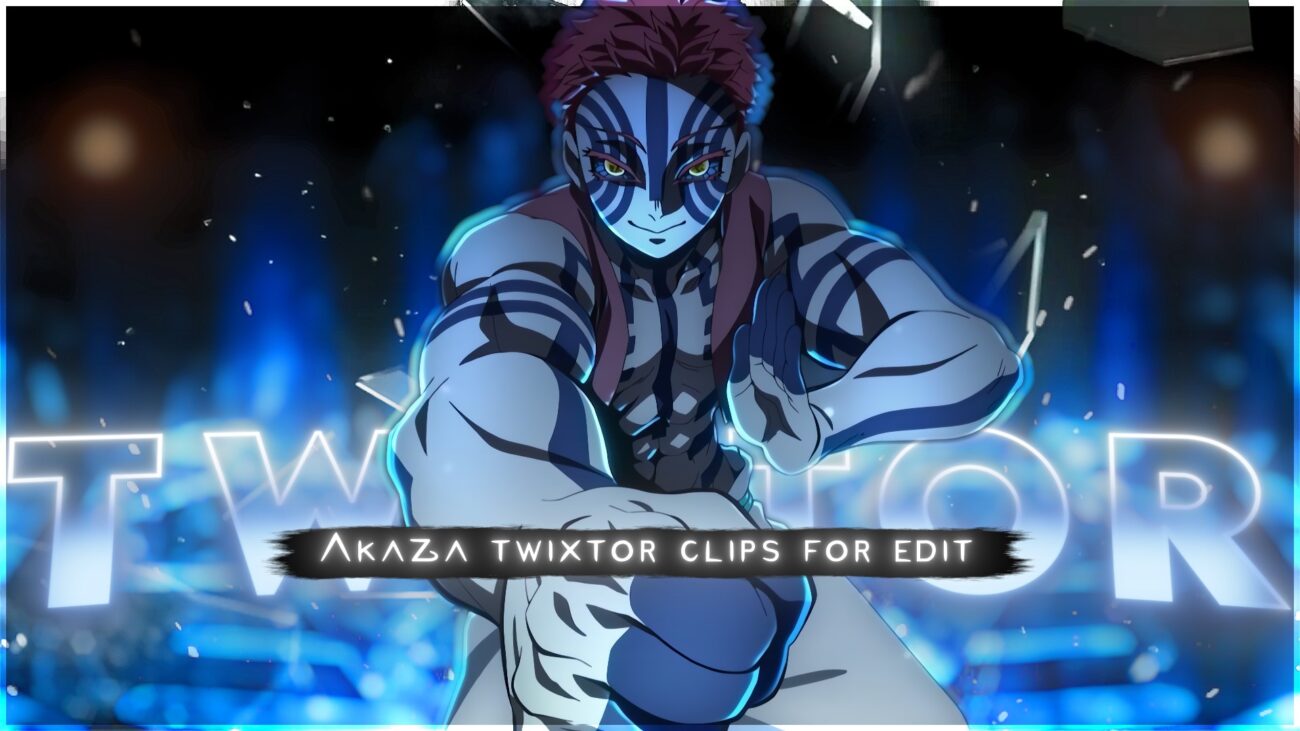
This page features a high-quality Akaza Twixtor 4K clip pack from Demon Slayer, specially prepared for editors creating smooth anime edits, AMVs, and cinematic reels.
Whether you’re working on Akaza edits, Demon Slayer fight scenes, or viral anime content, this clip provides a clean and optimized source with minimal artifacts and smooth motion flow.
Along with the clip, you’ll also find optimized Twixtor settings, editing workflows, and pro-level tips to help you create clean slow-motion edits without glitches.
🔥 Why This Scene Works Perfectly for Editing
This Akaza Twixtor 4K clip is highly suitable for editing due to:
- Smooth martial arts motion (ideal for frame interpolation)
- High-speed combat sequences with clear animation frames
- Strong lighting contrast (perfect for cinematic edits)
- Controlled motion blur compared to chaotic fight scenes
- High-detail animation from modern Demon Slayer visuals
👉 These elements make it easier to create clean Twixtor slow-motion edits without warping or distortion.
🎯 Recommended Twixtor Settings (Akaza Fight Optimization)
These settings are tested for fast-paced fight scenes and impact moments:
- Speed: 35% – 50%
- Input FPS: 23.976
- Frame Interpolation: Best / Optical Flow
- Motion Sensitivity: Medium to High
- Image Prep: Sharpen + slight contrast boost
💡 Pro Tip:
For fast punch sequences, avoid going below 35% speed to prevent ghosting and frame tearing.
🎬 How to Use This Clip in Editing Software
🖥️ After Effects Workflow
- Import your clip into composition
- Apply Twixtor plugin
- Reduce speed gradually (avoid sudden drops)
- Add motion blur for cinematic smoothness
- Use color grading (dark contrast or red tone LUTs)
📱 Mobile Editing (CapCut / Alight Motion)
- Import in highest quality (4K recommended)
- Apply velocity curves for smooth slow motion
- Add directional blur or echo effect
- Sync hits with music beats
- Use glow or impact effects for punches
🧠 Practical Editing Tips (Used in Viral Edits)
These techniques are commonly used in trending anime edits:
- Sync impact hits with bass drops
- Avoid extreme slow motion on ultra-fast combos
- Use zoom effects only on key frames
- Combine Twixtor with subtle color grading
- Maintain motion direction for smooth transitions
- Add shake or flash effects for impact scenes
🔥 About This Clip
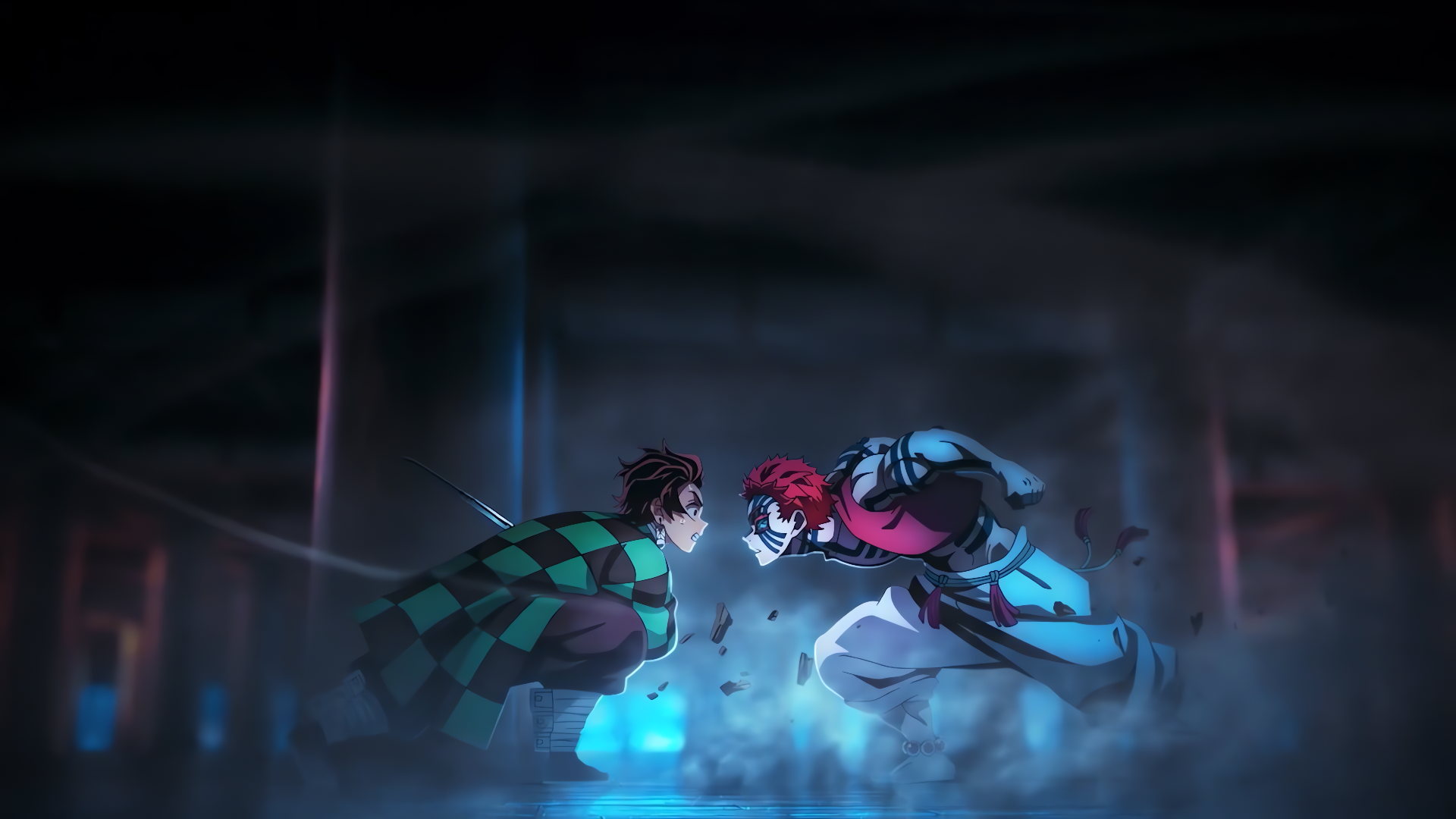
This clip highlights Akaza’s intense combat moments, featuring:
- High-speed martial arts sequences
- Powerful impact punches
- Smooth combat animation frames
- Cinematic fight choreography
- Clean visual flow ideal for Twixtor
Akaza’s aggressive fighting style and fluid motion make him one of the most popular characters for anime edits, Twixtor clips, and viral content creation.
👤 Character Details (SEO + Engagement Boost)
- Character Name: Akaza
- Anime: Demon Slayer
- Role: Upper Rank Demon
- Abilities: Enhanced strength, speed, martial arts combat
- Known For: High-speed combat, intense fight scenes, powerful aura
- Popular Scenes: Major fight sequences with top-tier animation quality
🔹 Clean Anime ffs (No Subtitles) – Flowframes
🔹 Exclusive 4K Raw Scenes (No Subtitles) – Raw Clips
Akaza
Download Akaza Twixtor Clip (4K)
- Resolution: 4K / 1080p
- Format: MP4
- Duration: 06:24
- Size: 470 MB
All download links are verified and safe. No third-party pop-ups or misleading redirects
drive
All download links are verified and safe. No third-party pop-ups or misleading redirects
mega
- Akaza Twixtor 4K fight scene
- Demon Slayer Akaza edit clip 4K
- Akaza vs fight scene twixtor download
- Demon Slayer Akaza slow motion clip
- Akaza anime edit clips ultra HD
- Akaza fight scene cinematic edit 4K
- Demon Slayer twixtor clips download
- Akaza motion edit clip high quality
- anime fight scene twixtor 4K download
- Akaza edit pack 4K twixtor ready
Final Thoughts
If you’re serious about creating high-quality anime or cinematic edits, choosing the right clip is just as important as your editing skills. This Nami Twixtor clip is ideal for smooth slow-motion edits, especially when combined with proper settings and timing.