🔥 Introduction
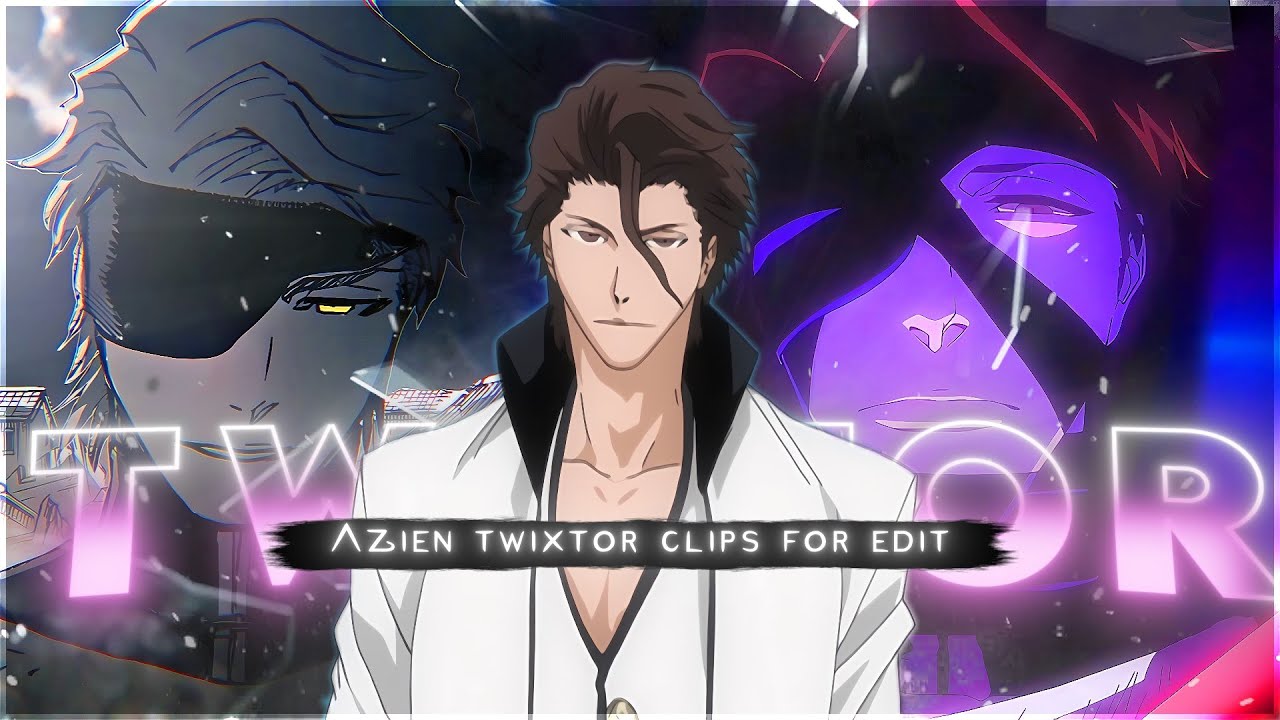
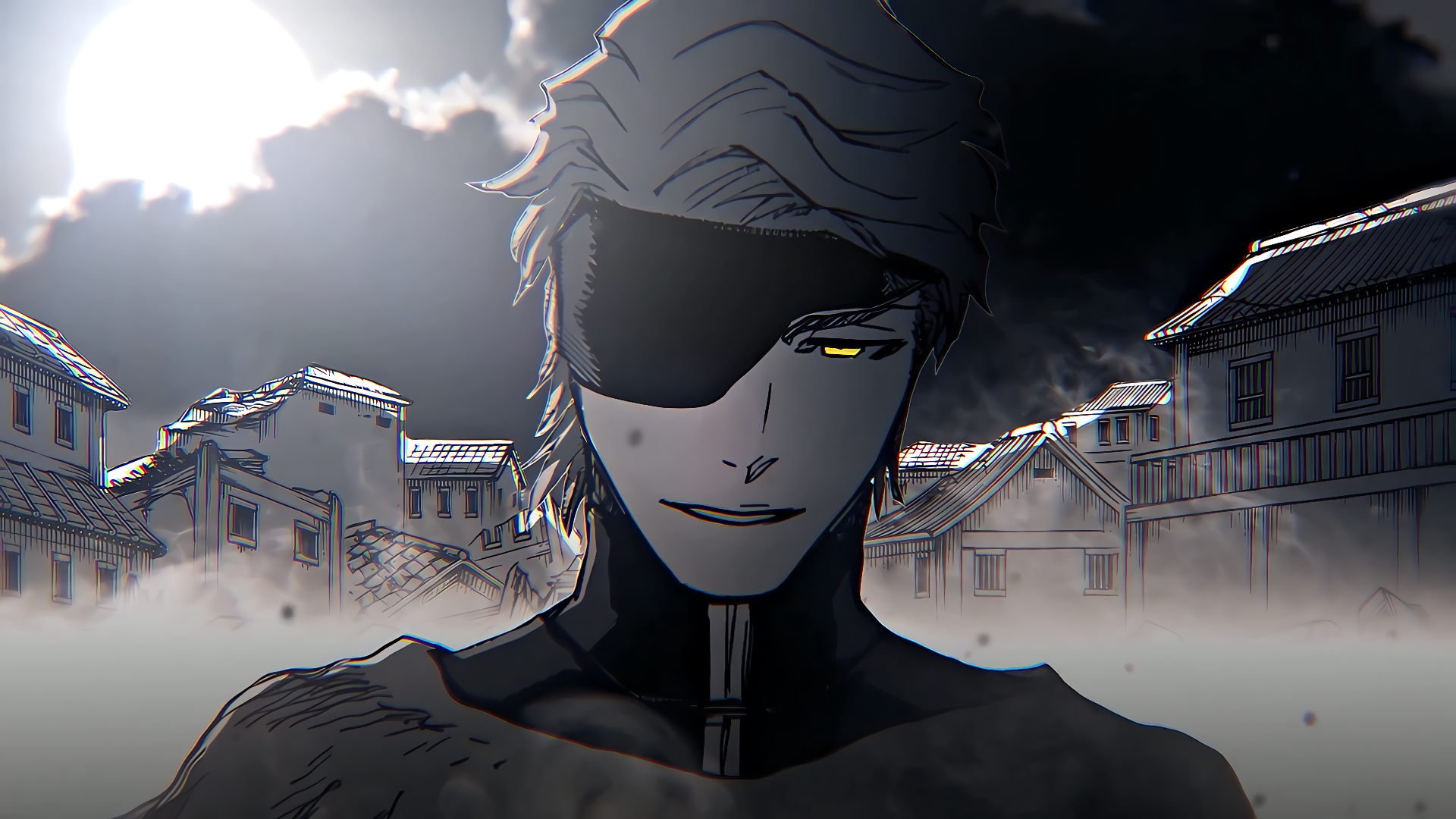
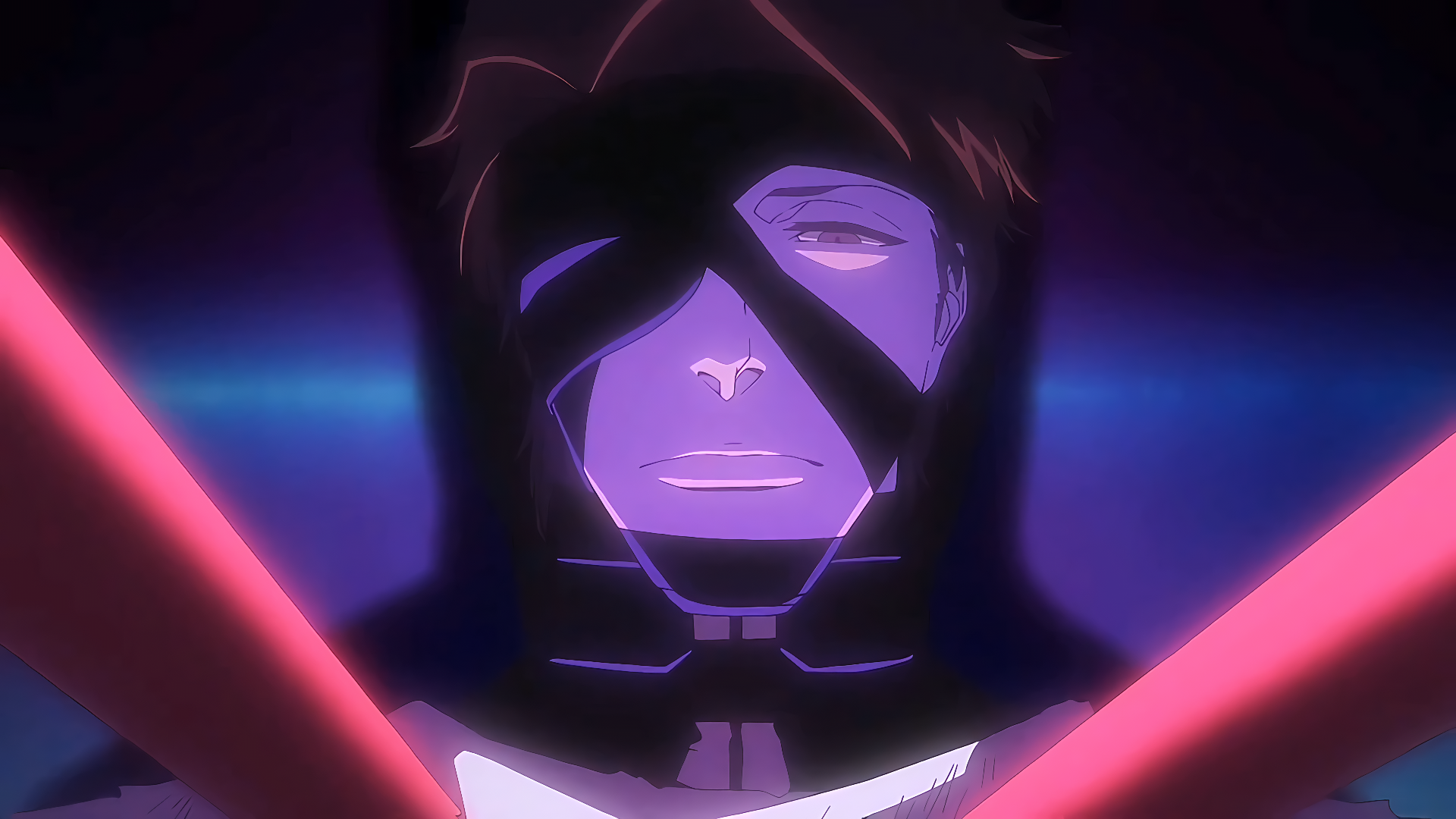
This page features a high-quality 4K Twixtor-ready clip of Sōsuke Aizen from Bleach, designed for editors who want smooth slow-motion, cinematic anime edits, and viral AMV content.
Whether you’re creating Aizen edits, Bleach 4K edits, Twixtor anime clips, or TikTok/Instagram reels, this clip is clean, sharp, and optimized for professional-level results with minimal distortion.
You’ll also find best Twixtor settings, editing workflows, and pro tips below to help you create smooth, high-quality slow-motion edits.
🎬 Why This Aizen Scene is Perfect for Editing
This Aizen Twixtor 4K clip is highly recommended for editors because it includes:
- Smooth and controlled character movement (ideal for interpolation)
- Clean animation during transformation and illusion scenes
- Minimal background noise and stable lighting
- Low motion blur compared to high-speed combat scenes
- High-detail frames from TYBW (Thousand-Year Blood War) animation style
👉 These features help reduce Twixtor glitches like warping, tearing, or ghosting.
🎯 Recommended Twixtor Settings (Aizen Edits)
These settings are optimized for Aizen transformation scenes, dialogue moments, and power reveals:
- Speed: 25% – 40%
- Input FPS: 23.976
- Frame Interpolation: Best / Optical Flow
- Motion Sensitivity: Low to Medium
- Image Prep: Slight sharpening + contrast enhancement
💡 Pro Tip:
Aizen scenes are often slow and controlled—avoid going too slow (below 25%) to maintain smooth realism.
🎬 How to Use This Clip in Editing Software
🖥️ After Effects Workflow
- Import your Aizen clip into a composition
- Apply Twixtor plugin
- Reduce speed gradually (avoid sudden changes)
- Add motion blur for cinematic smoothness
- Use dark cinematic color grading (purple/blue tones work well)
📱 Mobile Editing (Alight Motion / CapCut)
- Import in highest quality (preferably 4K)
- Apply slow motion or velocity curves
- Add glow or aura effects for power scenes
- Sync transitions with music beats
- Use blur + flash for illusion-style effects
🧠 Practical Editing Tips (Used in Viral Edits)
- Sync Aizen’s dialogue or reveal moments with beat drops
- Use slow zoom for psychological/intense scenes
- Avoid overusing effects—Aizen edits work best with clean style
- Maintain smooth motion direction for better flow
- Add subtle shake/flash during power activation scenes
- Use echo or duplicate layer effects for illusion aesthetics
🧊 About This Clip
This clip highlights some of Aizen’s most iconic moments, including:
- Soul Society arc mastermind reveals
- Hypnosis (Kyōka Suigetsu) illusion scenes
- Transformation and evolution stages
- Calm dialogue scenes with intense presence
- TYBW arc high-quality animation sequences
Aizen’s calm personality, powerful presence, and illusion-based abilities make him one of the most popular characters for anime edits, Twixtor clips, and cinematic reels.
👤 Character Details (SEO + Human Optimized)
- Character Name: Sōsuke Aizen
- Anime: Bleach
- Role: Former Captain of the 5th Division / Main Antagonist
- Abilities: Kyōka Suigetsu (perfect hypnosis), immense spiritual power
- Known For: Intelligence, manipulation, iconic villain presence
- Popular Arcs: Soul Society Arc, Arrancar Arc, Thousand-Year Blood War (TYBW)
🔹 Clean Anime ffs (No Subtitles) – Flowframes
🔹 Exclusive 4K Raw Scenes (No Subtitles) – Raw Clips
Aizen Sosuke
Download Aizen + MangaTwixtor Clip (4K)
- Resolution: 4K / 1080p
- Format: MP4
- Duration: 06:00
- Size: 440.3 MB
All download links are verified and safe. No third-party pop-ups or misleading redirects
drive
All download links are verified and safe. No third-party pop-ups or misleading redirects
mega
- “Aizen Twixtor 4K”
- “Bleach clips”
- “anime edits”
- “TYBW animation”
- “Twixtor settings”
Final Thoughts
If you’re serious about creating high-quality anime or cinematic edits, choosing the right clip is just as important as your editing skills. This Nami Twixtor clip is ideal for smooth slow-motion edits, especially when combined with proper settings and timing.