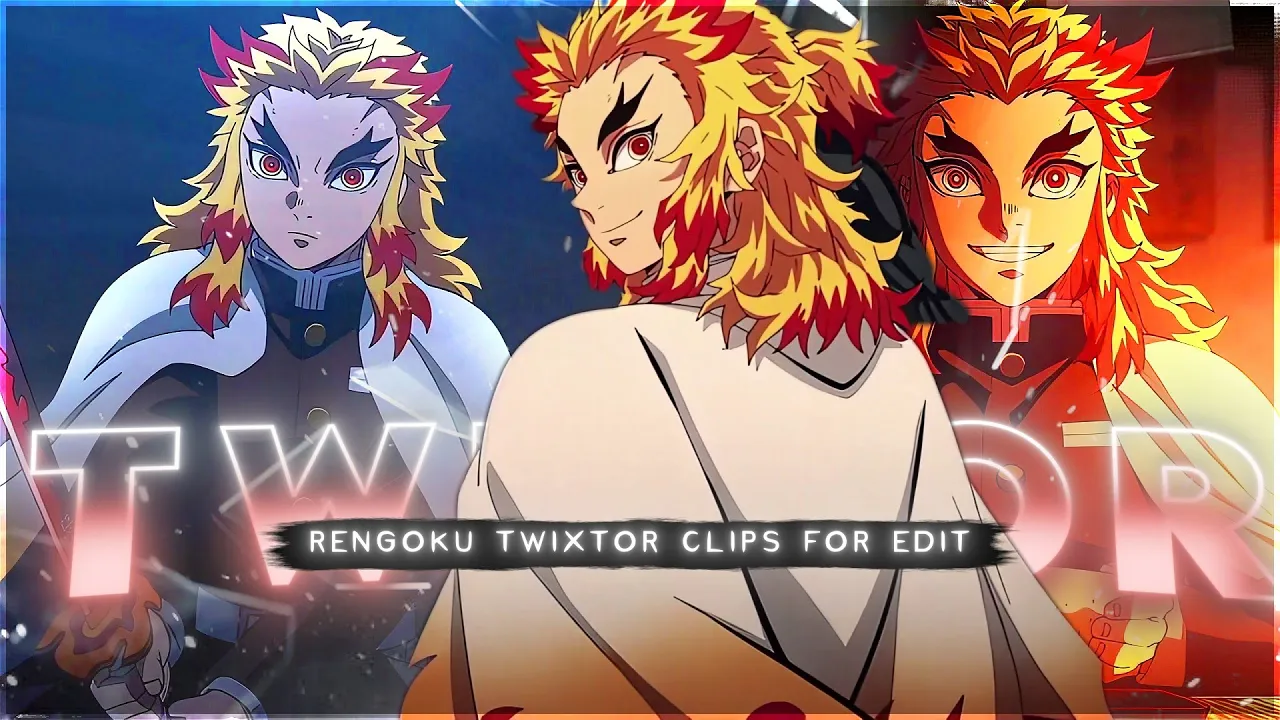
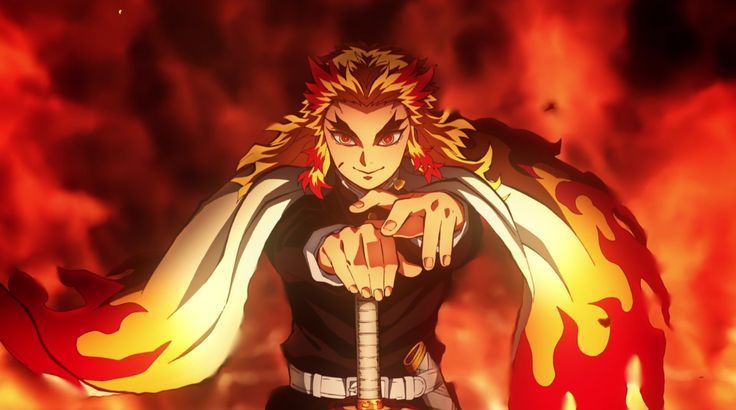
If yLooking for Rengoku Twixtor 4K clips for your next anime edit? This page provides high-quality ultra HD clips of Kyojuro Rengoku from Demon Slayer: Kimetsu no Yaiba, perfect for smooth slow-motion edits, AMVs, and cinematic reels.
Rengoku is one of the most powerful and inspiring characters in Demon Slayer, known for his flame breathing techniques, strong personality, and emotional depth. His scenes combine intensity, motion, and visual complexity, making him one of the best characters for high-quality anime edits.
🔥 Why Rengoku Twixtor 4K Clips Are Perfect for Editing
Rengoku Twixtor 4K clips are widely used by editors because of their clean animation, strong motion frames, and emotional storytelling. His scenes carry a unique complexity of movement and lighting, which allows smooth Twixtor transitions and cinematic effects.
These clips are ideal for both beginners and advanced editors.
- Ultra HD 4K resolution
- Smooth slow-motion compatibility
- High-detail flame effects and aura
- Clean scenes for transitions and effects
- Emotional impact with cinematic visuals
⚔️ Best Rengoku Twixtor 4K Moments
Rengoku scenes are especially popular due to their emotional storytelling and high animation quality. His fight sequences show a perfect mix of speed, power, and visual complexity, making them perfect for viral edits.
Popular scenes include:
- Rengoku vs Akaza full fight
- Flame Breathing attack sequences
- Final emotional moments (Mugen Train)
- Sword combat close-range scenes
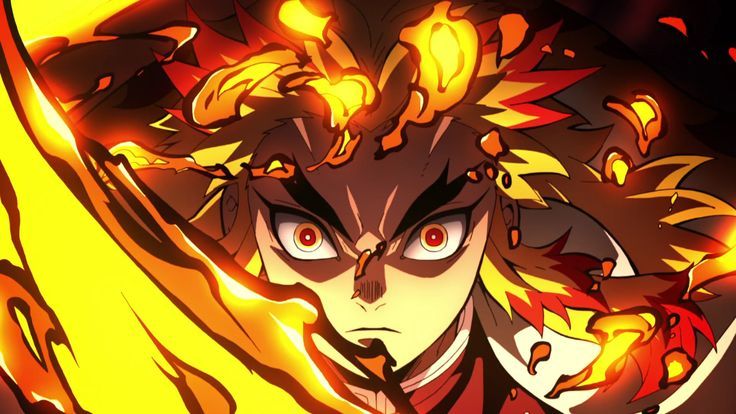
- Fire aura power-up shots
🎬 How to Use Rengoku 4K Clips for Edits
To get the best results from Rengoku Twixtor 4K clips:
- Use Twixtor or slow-motion plugins
- Add glow and fire effects for aura enhancement
- Sync clips with music beats for impact
- Use transitions for smooth cinematic flow
- Enhance colors for dramatic flame visuals
📱 Why Rengoku Twixtor Pack Is Perfect for Mobile Editors
The Rengoku Twixtor pack is especially useful for mobile editors using apps like CapCut and Alight Motion. These clips are pre-selected with clean frames and smooth motion, reducing the need for heavy editing.
For mobile creators, this means:
- Faster editing workflow
- Less lag and smoother playback
- Easy slow-motion without quality loss
- Ready-to-use clips for trending edits
This makes it perfect for TikTok, Instagram Reels, and YouTube Shorts.
Make sure to use high-quality clips to maintain sharp visuals, better engagement, and higher chances of going viral.
🔹 Clean Anime ffs (No Subtitles) – Flowframes
🔹 Exclusive 4K Raw Scenes (No Subtitles) – Raw Clips
Rengoku Kyojiro
All download links are verified and safe. No third-party pop-ups or misleading redirects
drive
All download links are verified and safe. No third-party pop-ups or misleading redirects
mega
Final Thoughts
If you’re serious about creating high-quality anime or cinematic edits, choosing the right clip is just as important as your editing skills. This Kyojuro Rengoku Twixtor clip is ideal for smooth slow-motion edits, especially when combined with proper settings and timing.