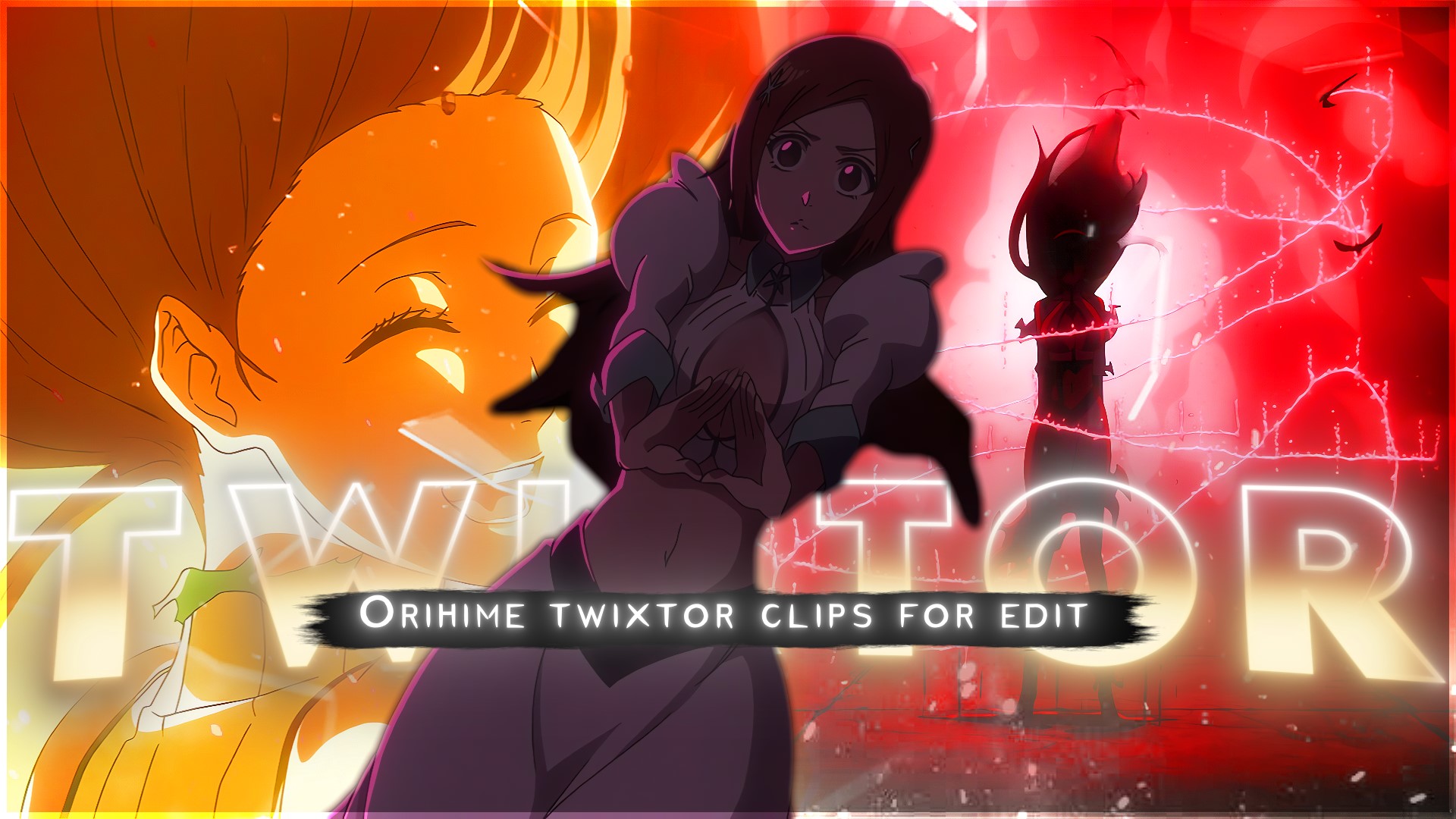
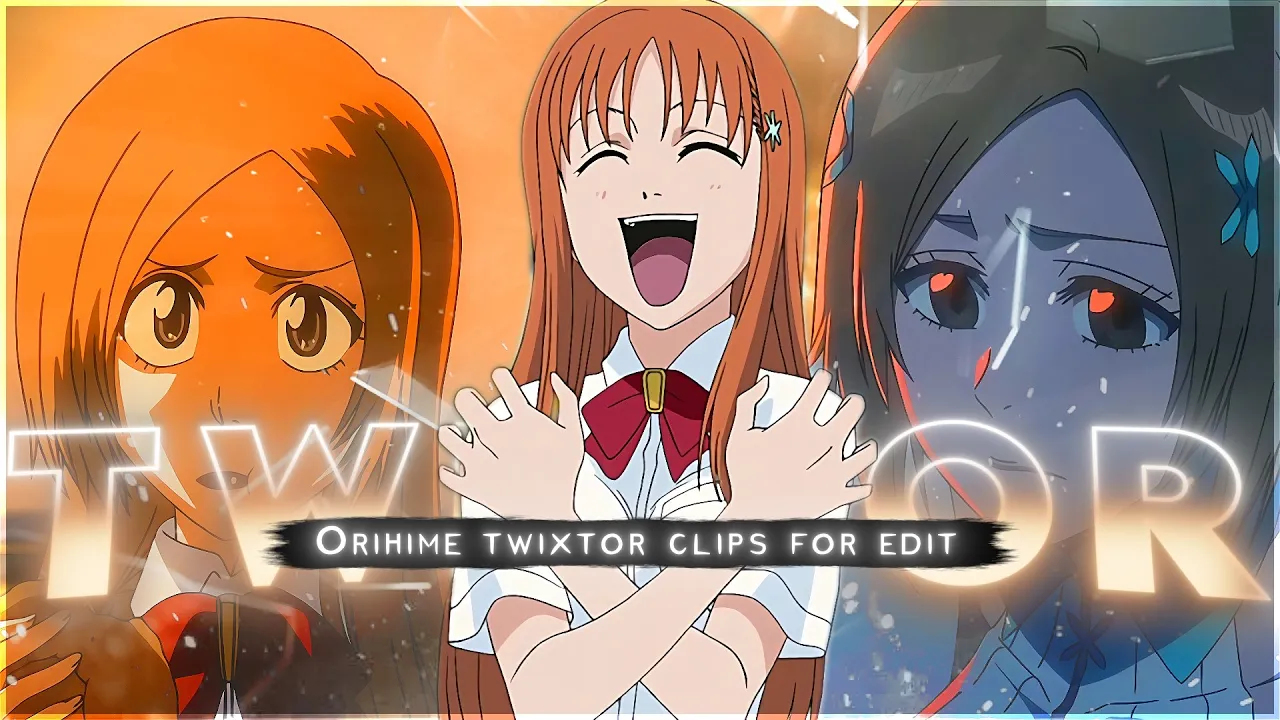
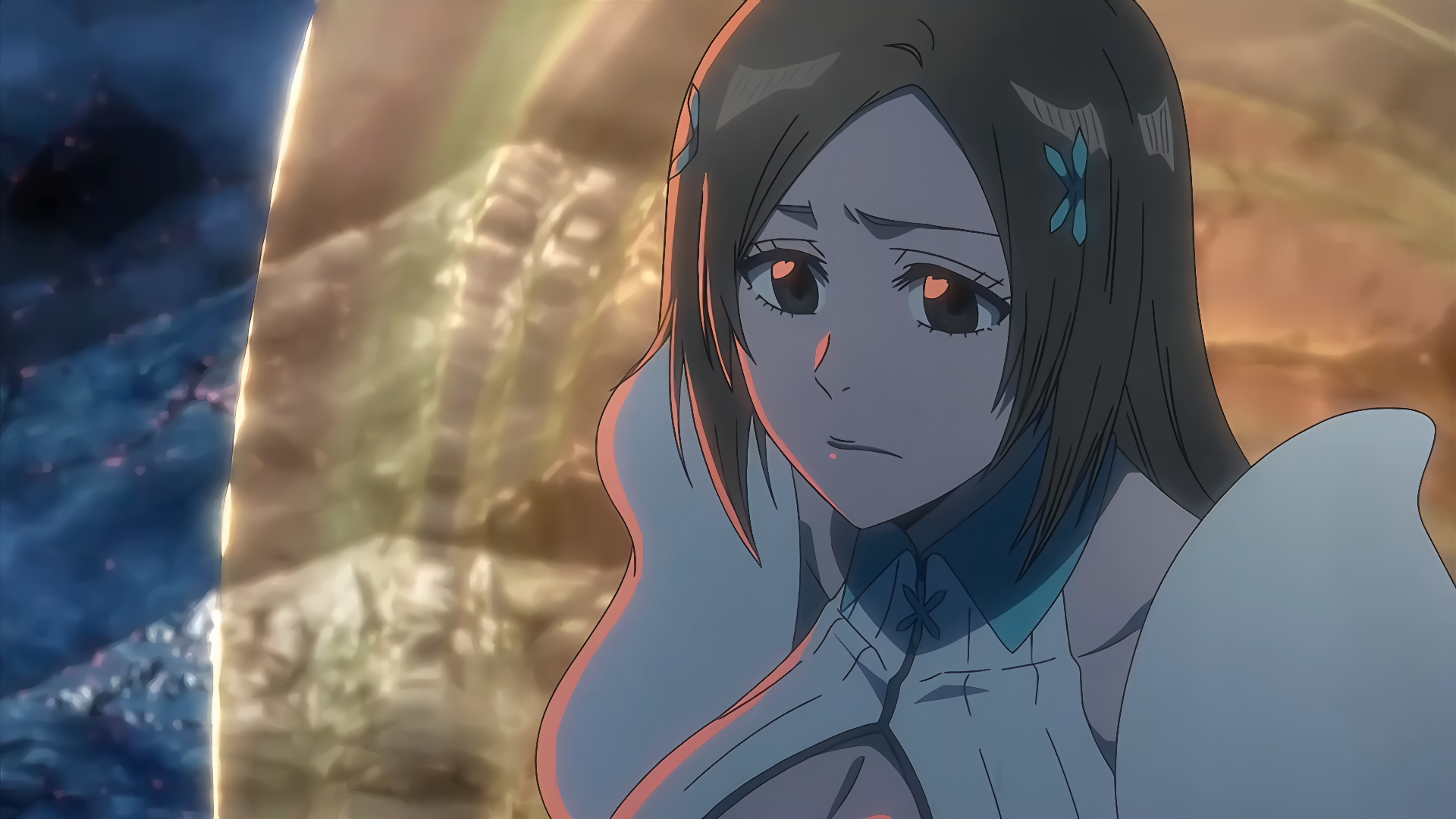
Orihime Inoue is one of the most visually expressive characters in anime, especially in emotional and transformation-driven scenes. These moments are widely used in AMVs, cinematic edits, and Twixtor slow-motion edits because of her soft aura, emotional depth, and energy-based abilities.
Bleach offers several high-quality scenes of Orihime that work perfectly for 4K Twixtor clips, especially for editors focusing on aesthetic, emotional, and aura-based content.
1. Orihime Healing Powers Activation (Shun Shun Rikka Aura Scene)
One of the most searched Orihime Inoue moments is when she activates her healing powers using Shun Shun Rikka. The soft glow around her, combined with emotional focus, creates a perfect slow-motion editing scene. This moment is heavily used in cinematic AMVs because of its clean energy effects and calm aura transitions.
2. Hueco Mundo Emotional Breakdown Scene
During the Hueco Mundo arc, Orihime shows deep emotional conflict and fear while being trapped in an unfamiliar world. Her expressions, tears, and lighting contrast make this one of the most powerful emotional Twixtor scenes for anime editors who want dramatic storytelling clips.
3. Orihime Shield Barrier (Santen Kesshun Defense Scene)
The moment Orihime activates her defensive shield is one of the most visually satisfying animation sequences. The triangular energy barrier forming around her is perfect for 4K slow-motion edits, especially for “aura build-up” style transitions and beat drops in AMVs.
4. Karakura Town Battle Reaction Scene
In the Karakura Town arc battles, Orihime’s reactions to intense fights and destruction show pure emotional intensity. These frames are commonly used for edit builds where editors combine background chaos with close-up emotional shots for dramatic effect.
5. Orihime Ichigo Support Aura Scene (Emotional Connection Moment)
Whenever Orihime supports Ichigo during critical battles, her expressions and soft glowing presence create a strong emotional contrast to action-heavy scenes. This is one of the most used clips in romantic and motivational anime edits due to its calm yet powerful aura.
Why This StandOut
This page is designed for anime editors, AMV creators, and Twixtor users looking for high-quality Orihime Inoue scenes in 4K style. These moments are selected based on visual clarity, emotional impact, and slow-motion potential, making them ideal for cinematic edits, Instagram reels, YouTube shorts, and aesthetic anime transitions.
🔹 Clean Anime ffs (No Subtitles) – Flowframes
🔹 Exclusive 4K Raw Scenes (No Subtitles) – Raw Clips
Orihime Inoue
Download Orihime Twixtor Clip (4K)
- Resolution: 4K / 1080p
- Format: MP4
- Duration: 03:03
- Size: 220.9 MB
All download links are verified and safe. No third-party pop-ups or misleading redirects
drive
All download links are verified and safe. No third-party pop-ups or misleading redirects
mega

Final Thoughts
If you’re serious about creating high-quality anime or cinematic edits, choosing the right clip is just as important as your editing skills. This Twixtor clip is ideal for smooth slow-motion edits, especially when combined with proper settings and timing.