🔥 Why Kei Karuizawa Is One of the Most Powerful Anime Edit Characters Right Now
Kei Karuizawa is not just a side character. She is one of the most emotionally complex figures in Classroom of the Elite, and that complexity is exactly what makes her a goldmine for editors.
Her scenes carry visible weight. Every expression shift, every moment of vulnerability turning into strength — these are frames that hit differently when you slow them down with Twixtor.
Moreover, her visual design is clean and consistent. Her blonde hair, sharp eyes, and controlled body language create high contrast against most backgrounds. As a result, editors get natural foreground separation without heavy masking.
In short, Kei works because she feels real. And in anime editing, emotional realism translates directly into viewer engagement. That is why Kei Karuizawa Twixtor edits consistently perform on TikTok, YouTube Shorts, and Instagram Reels.
👤 Who Is Kei Karuizawa? — A Character You Need to Understand Before Editing
To create a great Kei edit, you first need to understand her arc. Kei starts as a seemingly popular girl in Class D. However, under the surface, she hides a painful past involving bullying and fear-based social survival.
Her relationship with Kiyotaka Ayanokoji gradually changes everything. He sees through her mask from the very beginning. Over time, their dynamic shifts from manipulation to genuine connection — and that shift creates some of the most emotionally charged scenes in the entire Classroom of the Elite anime.
By Season 2 and beyond, Kei becomes a genuinely confident character. She chooses to face difficult situations on her own terms. That transformation is visible in her posture, her dialogue, and her expressions. Therefore, editors who understand this arc can time their cuts to match her emotional peaks — and that is how the best Kei edits are made.
Character Quick Facts:
- Full Name: Kei Karuizawa
- Anime: Youkoso Jitsuryoku Shijou Shugi no Kyoushitsu e (Classroom of the Elite)
- Class: 1-D → 2-D
- Role: Popular girl, Ayanokoji’s unofficial partner
- Best Known For: Emotional depth, transformation arc, sharp expressions
- Edit Popularity: Extremely high for emotional edits, waifu edits, and cinematic reels
🎬 Scene Overview — What This Clip Shows and Why It Works for Twixtor
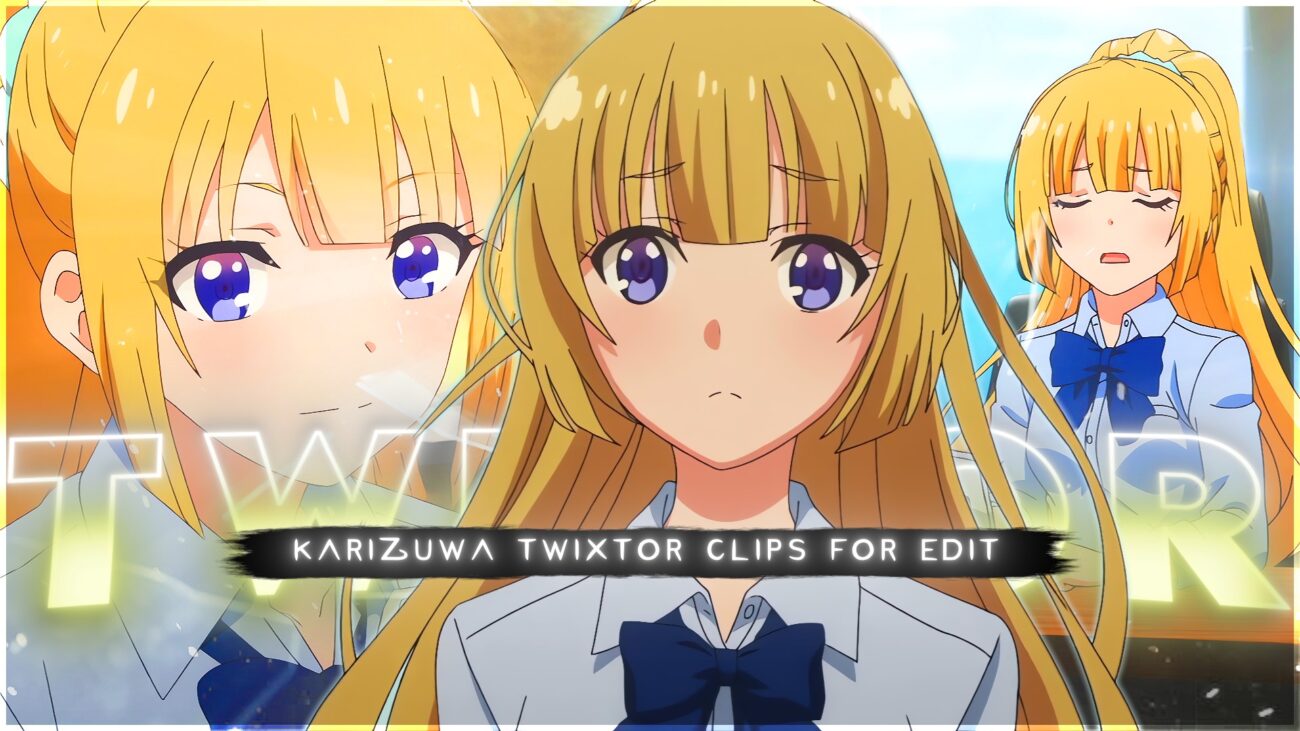
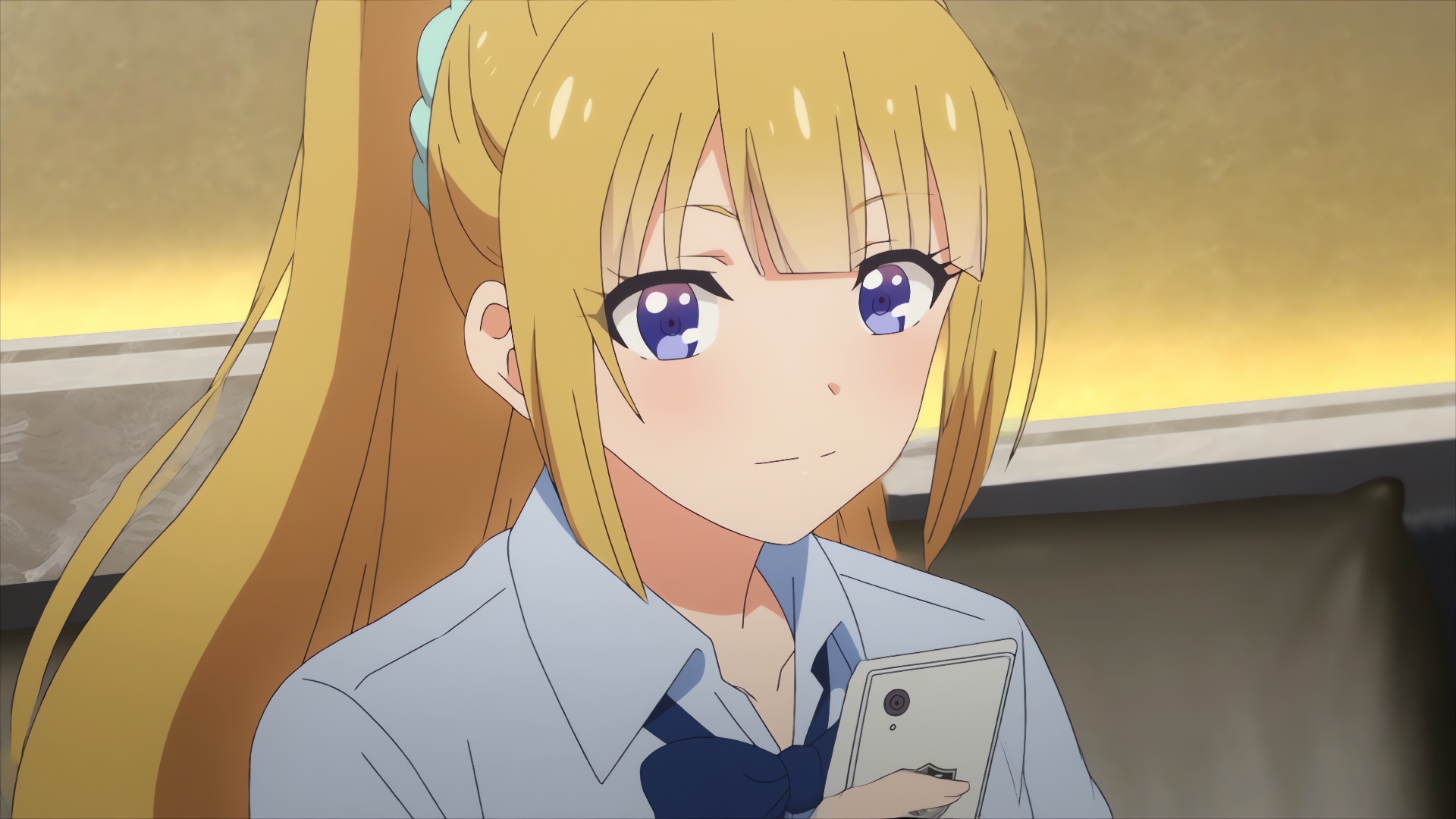
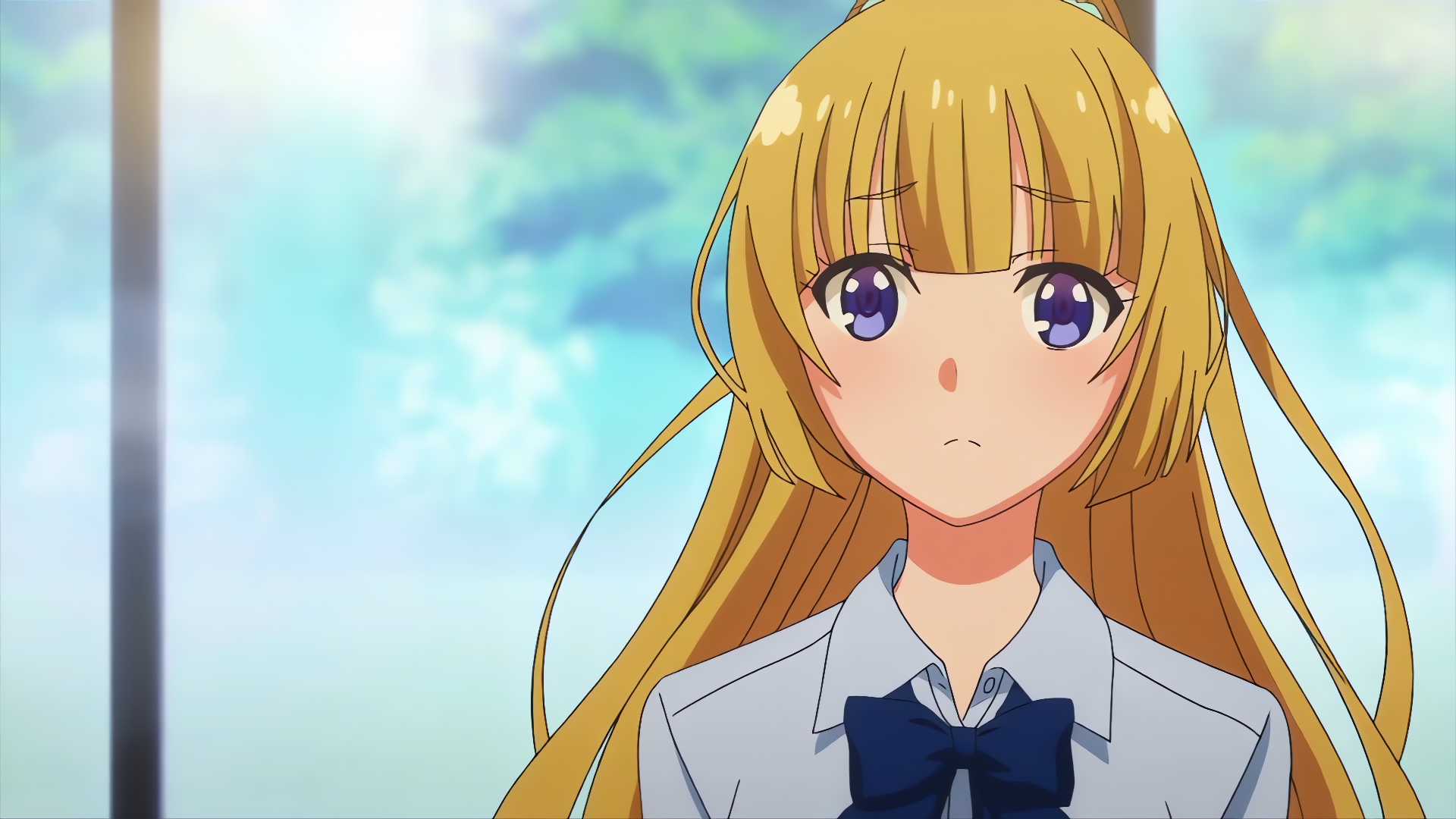
This particular clip captures Kei at a moment of high emotional intensity. The animation quality in this scene is notably strong — clean line art, consistent lighting, and controlled movement make it an ideal candidate for Twixtor interpolation.
Additionally, the scene includes natural motion pauses. These brief moments of stillness between movements are extremely valuable for editors. They allow for clean slow-motion transitions without the warping artifacts that typically appear in fast, chaotic scenes.
Furthermore, the background in this clip is relatively simple. That simplicity helps Twixtor calculate motion more accurately, because the algorithm does not get confused by excessive background movement.
In other words, this is not a randomly chosen clip. It is editor-optimized from start to finish.
⏱️ 🎬 Exact Clip Timeline Breakdown
Use this breakdown to quickly find your best edit moments without scrubbing through the full clip.
| Timestamp | What Happens | Editor Use |
|---|---|---|
| 0:00 | Kei is in a still, neutral stance — clean setup frame | Best for intro freeze frame or fade-in |
| 0:02 | Subtle head tilt begins, slight shoulder shift forward | Great velocity start point for Twixtor |
| 0:04 | Eyes sharpen — the emotional peak begins | Use this for the beat drop or dramatic zoom |
| 0:06 | Hair moves naturally as she turns — smooth motion arc | Perfect for slow-motion interpolation |
| 0:09 | Expression shift — vulnerability visible in her eyes | Ideal for emotional edits synced with lyrics |
| 0:12 | Body language becomes composed and controlled | Strong closing frame or transition out point |
| 0:15 | Final still pose — calm dominance | Loop point, outro frame, or beat silence sync |
💥 The Best Moments in This Clip for Viral Editing
Not all frames are equal. Therefore, here is a breakdown of the specific moments in this clip that have the highest viral potential.
The Eye Reveal Frame This is the single most powerful frame in the clip. Kei’s eyes carry the emotional weight of her entire arc. When you slow this frame down to 20–30% speed and sync it with a lyric or bass note, the result is immediately engaging. Top editors use eye-reveal moments as beat drops — and this one is exceptionally clean.
The Hair Motion Sequence As Kei shifts position, her hair moves in a natural, fluid arc. This is ideal for Twixtor because the motion is smooth and directional. Additionally, the lighting catches the golden tones in her hair, which look stunning with slight colour grading.
The Stillness-to-Motion Transition There is a brief moment where Kei goes from complete stillness into movement. This transition is rare in anime scenes and highly valuable. It creates a natural velocity curve that editors can use without needing to artificially force a speed ramp.
The Expression Collapse Moment This is the emotional centrepiece. Kei’s composure briefly breaks, and the frame captures raw feeling. Editors who sync this moment to a vocal line or stripped-back melody consistently see higher engagement on short-form platforms.
⚙️ Recommended Twixtor Settings for Kei Karuizawa Clips
These settings are optimised for the motion style and frame characteristics of this specific clip.
| Setting | Recommended Value |
|---|---|
| Speed | 25% – 35% |
| Input FPS | 23.976 |
| Frame Interpolation | Best Quality / Optical Flow |
| Motion Sensitivity | Medium |
| Image Prep | Light sharpening + mild contrast boost |
Why 25–35% and not lower? Kei’s scenes contain subtle but important micro-expressions. Going below 25% speed often stretches these frames too far, causing distortion around the face and eyes. Therefore, 25–35% preserves the emotional detail while still delivering clear slow-motion impact.
Also, avoid aggressive sharpening before Twixtor. The plugin works better with a clean, slightly soft source frame. Add sharpening after interpolation for the best result.
🖥️ Editing Workflow — Step by Step
After Effects (Recommended for Best Quality)
- Import your Kei clip into a new 4K composition
- Apply the Twixtor Pro plugin to the clip layer
- Set speed to 30% — then keyframe velocity curves at peak emotion moments
- Add a subtle vignette and reduce saturation by 10–15%
- Apply colour grading — warm gold tones or cool blue-grey both work well with Kei’s design
- Finally, add a light film grain overlay for a cinematic finish
CapCut / Alight Motion (Mobile Workflow)
- Import the clip at full 4K resolution
- Use the velocity curve tool — ease in and out around the eye reveal frame
- Apply a mild colour filter (cool or desaturated works well for emotional scenes)
- Sync the slowest point to a vocal moment, not a bass drop — Kei edits work better with lyrical sync
- Add a smooth fade transition at the beginning and end
🎵 Music Suggestions for Kei Edits
Music choice matters enormously for Kei Karuizawa edits. Her character blends vulnerability with strength. As a result, the best tracks are ones that mirror that duality.
For emotional edits: Stripped piano tracks, lo-fi vocal edits, or slowed + reverb versions of popular tracks perform best. Her eye-reveal frame syncs exceptionally well with a lyric pause.
For hype/baddie edits: Dark trap, slowed phonk with deep bass, or manipulated female vocal tracks. Use the motion transition frames to hit energy peaks.
Avoid: Full-speed EDM drops with no dynamics. Kei’s visual style is controlled and precise, so music with no emotional curve flattens the edit.
🔹 Clean Anime ffs (No Subtitles) – Flowframes
🔹 Exclusive 4K Raw Scenes (No Subtitles) – Raw Clips
Kei Karuizawa
Download Kei Karuizawa Twixtor Clip (4K)
- Resolution: 4K / 1080p
- Format: MP4
- Duration: 01:45
- Size: 124 MB
All download links are verified and safe. No third-party pop-ups or misleading redirects
drive
All download links are verified and safe. No third-party pop-ups or misleading redirects
mega
Final Thoughts
If you’re serious about creating high-quality anime or cinematic edits, choosing the right clip is just as important as your editing skills. This Kei Karuizawa Twixtor clip is ideal for smooth slow-motion edits, especially when combined with proper settings and timing.