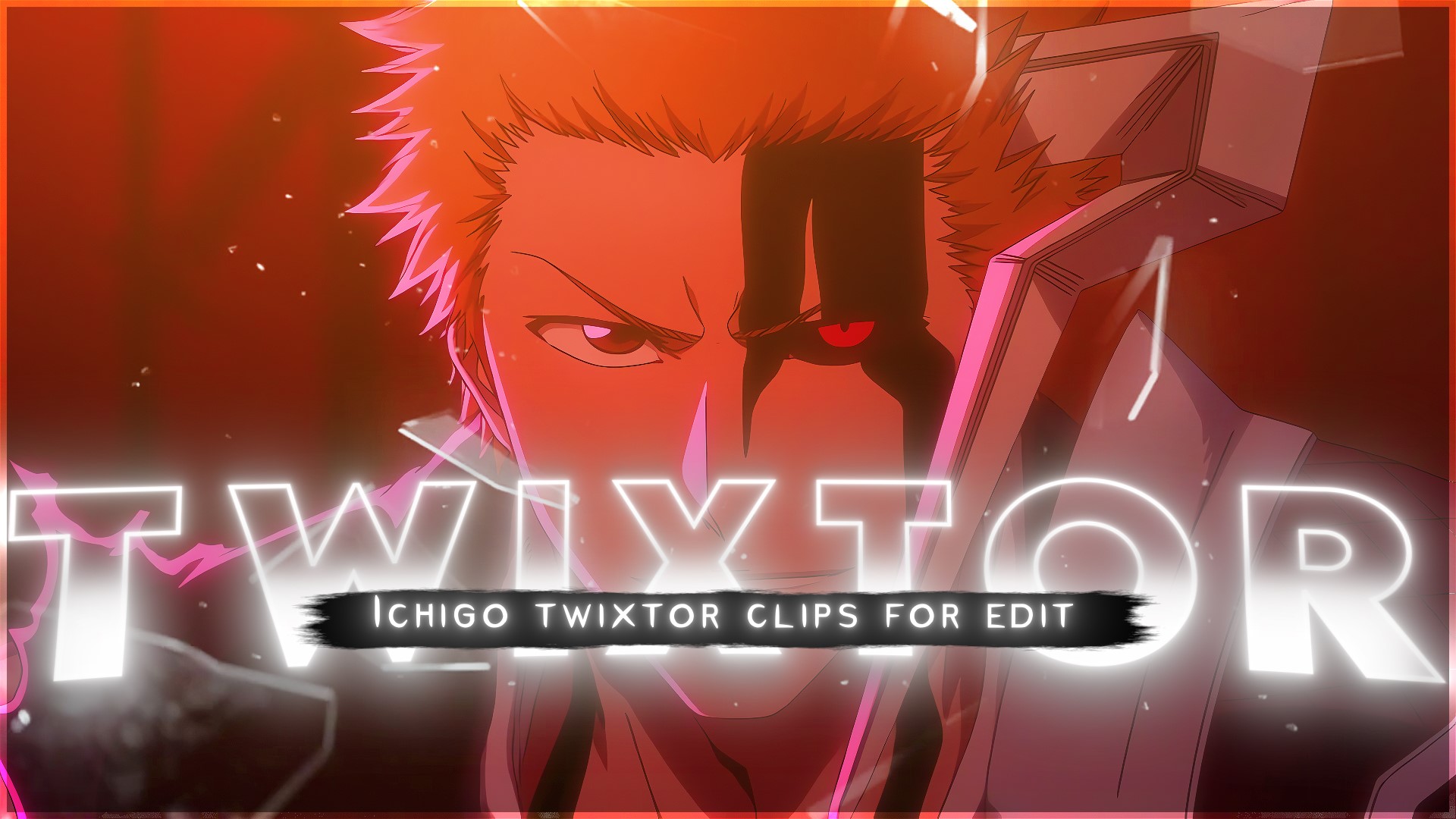
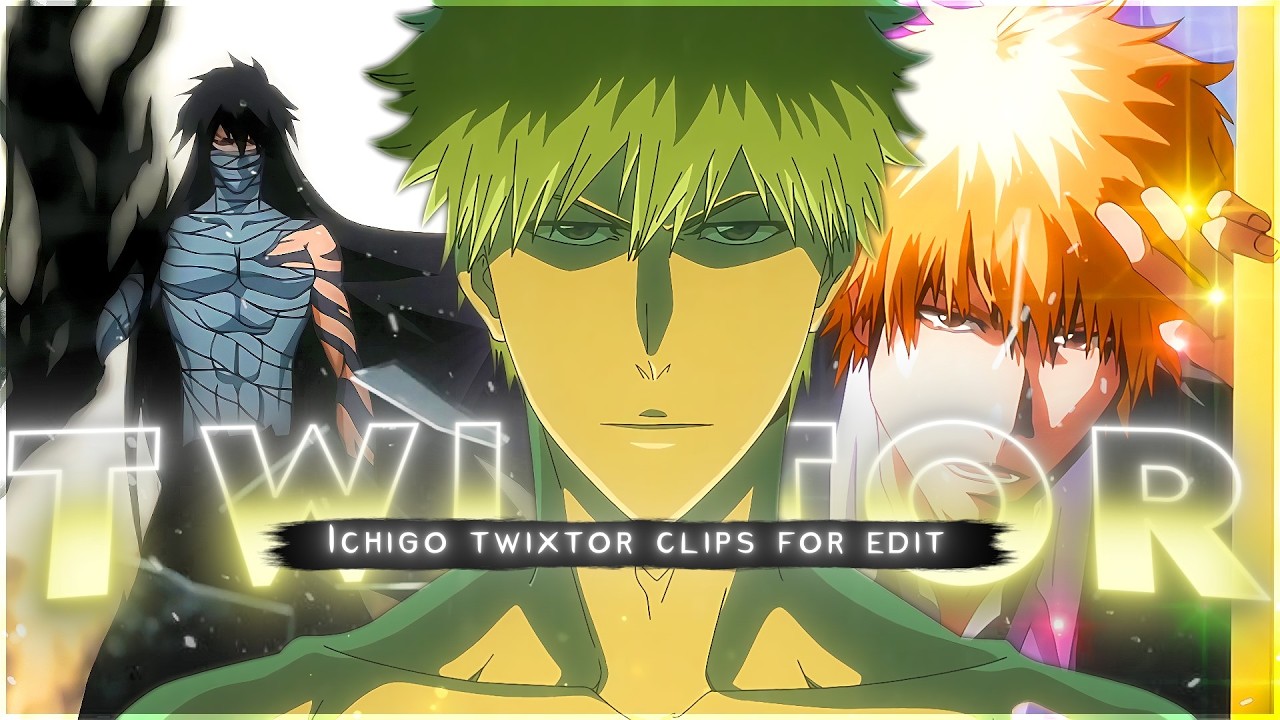
If you’re working on anime edits, AMVs, or cinematic motion edits, Ichigo Kurosaki is one of the most searched and used characters for high-impact transformation scenes, aura build-ups, and slow-motion Twixtor clips. His fights from Bleach are full of speed, emotion, and energy shifts that fit perfectly into 4K Twixtor editing, transition edits, and viral reels.
This page is focused on providing powerful Ichigo Kurosaki aura moments and transformation scenes that editors commonly use for clean, smooth, and cinematic edits.
1. Ichigo Bankai Activation – First True Aura Release (Soul Society Arc)
One of the most iconic Ichigo Kurosaki scenes is his first Bankai transformation against Byakuya Kuchiki. The moment he compresses his spiritual pressure and releases Tensa Zangetsu creates a sharp black-speed aura effect that is perfect for Twixtor slow motion edits.
This scene is widely used in anime AMVs because of its clean sword reveal, pressure burst, and intense eye focus. It works perfectly for dramatic buildup edits and character introduction reels.
2. Ichigo vs Ulquiorra Final Form – Emotional Rage Aura Moment
The fight between Ichigo Kurosaki and Ulquiorra in Hueco Mundo is one of the most searched Bleach battle scenes. Ichigo’s Hollow transformation, especially the moment of emotional collapse and rage, delivers a dark red-black aura shift that editors use for cinematic transitions.
This scene is ideal for “rage edit,” “dark anime aesthetic,” and slow-motion Twixtor clips due to its heavy motion blur and emotional intensity.
3. Vasto Lorde Ichigo Transformation – Hollow Mask Full Power Scene
When Ichigo completely loses control and transforms into Vasto Lorde form, the entire atmosphere changes into a high-speed, destructive aura sequence. The white bone mask, elongated horn structure, and instant regeneration effects make it a top-tier editing clip.
This is one of the most viral anime transformation scenes used in 4K Twixtor edits for showcasing “monster mode” energy and unstoppable power visuals.
4. Ichigo Dangai Training – Calm Before Final Getsuga Tensho
The Dangai training sequence is a clean, minimalistic aura moment where Ichigo Kurosaki reaches peak focus before unlocking Final Getsuga Tensho. The visual tone is calm, white, and spiritual, making it perfect for aesthetic edits and cinematic storytelling.
Editors often use this for slow zoom-ins, fade transitions, and motivational anime edits due to its silence and intensity contrast.
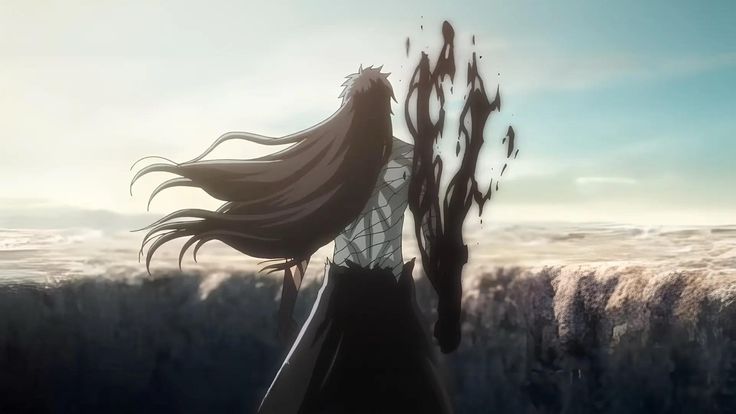
5. Ichigo Final Getsuga Tensho – Mugetsu Black Aura Explosion
The Final Getsuga Tensho (Mugetsu) is one of the most powerful Ichigo Kurosaki scenes ever animated. The entire screen turns dark as Ichigo unleashes a black void-like slash that erases everything in its path.
This scene is widely used in Twixtor edits because of its clean motion lines, slow-motion potential, and high-contrast black aura effect. It’s perfect for finale edits and “final form” character showcases.
Why These Ichigo Kurosaki Twixtor Clips Are Perfect for Editors
These selected scenes are commonly used in anime editing, AMVs, TikTok edits, and YouTube Shorts because they combine high-speed motion, emotional transitions, and strong aura effects. Ichigo Kurosaki’s transformations are visually clean and highly adaptable for 4K Twixtor slow motion, making them ideal for both beginner and advanced editors working on anime content.
🔹 Clean Anime ffs (No Subtitles) – Flowframes
🔹 Exclusive 4K Raw Scenes (No Subtitles) – Raw Clips
ichigo kurosaki
Download Ichigo Kurosaki Twixtor Clip (4K)
- Resolution: 4K / 1080p
- Format: MP4
- Duration: 03:47
- Size: 276.4 MB
drive
All download links are verified and safe. No third-party pop-ups or misleading redirects
mega
Final Thoughts
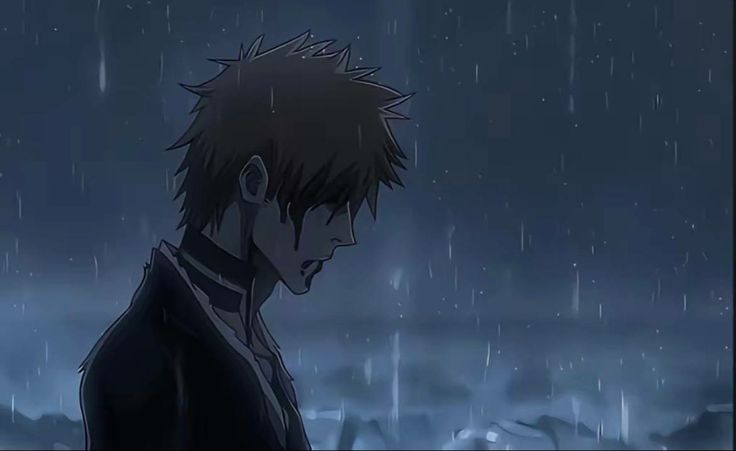
If you’re serious about creating high-quality anime or cinematic edits, choosing the right clip is just as important as your editing skills. This Twixtor clip is ideal for smooth slow-motion edits, especially when combined with proper settings and timing.